
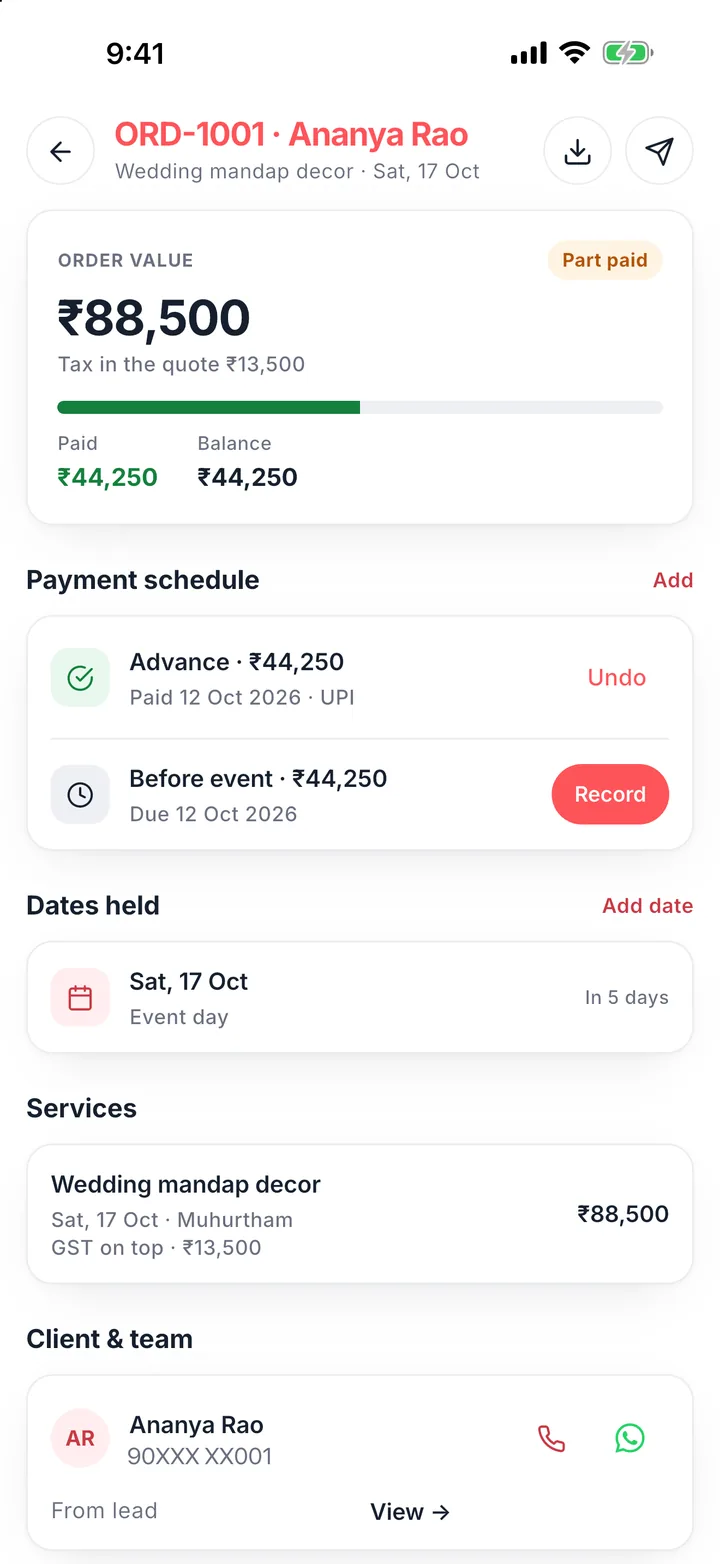
Wedding work is paid in parts: an advance to book the date, maybe a payment in between, and the balance before the event. A clear payment schedule, agreed at booking, protects your date and your cash flow and saves awkward calls in the week of the wedding.
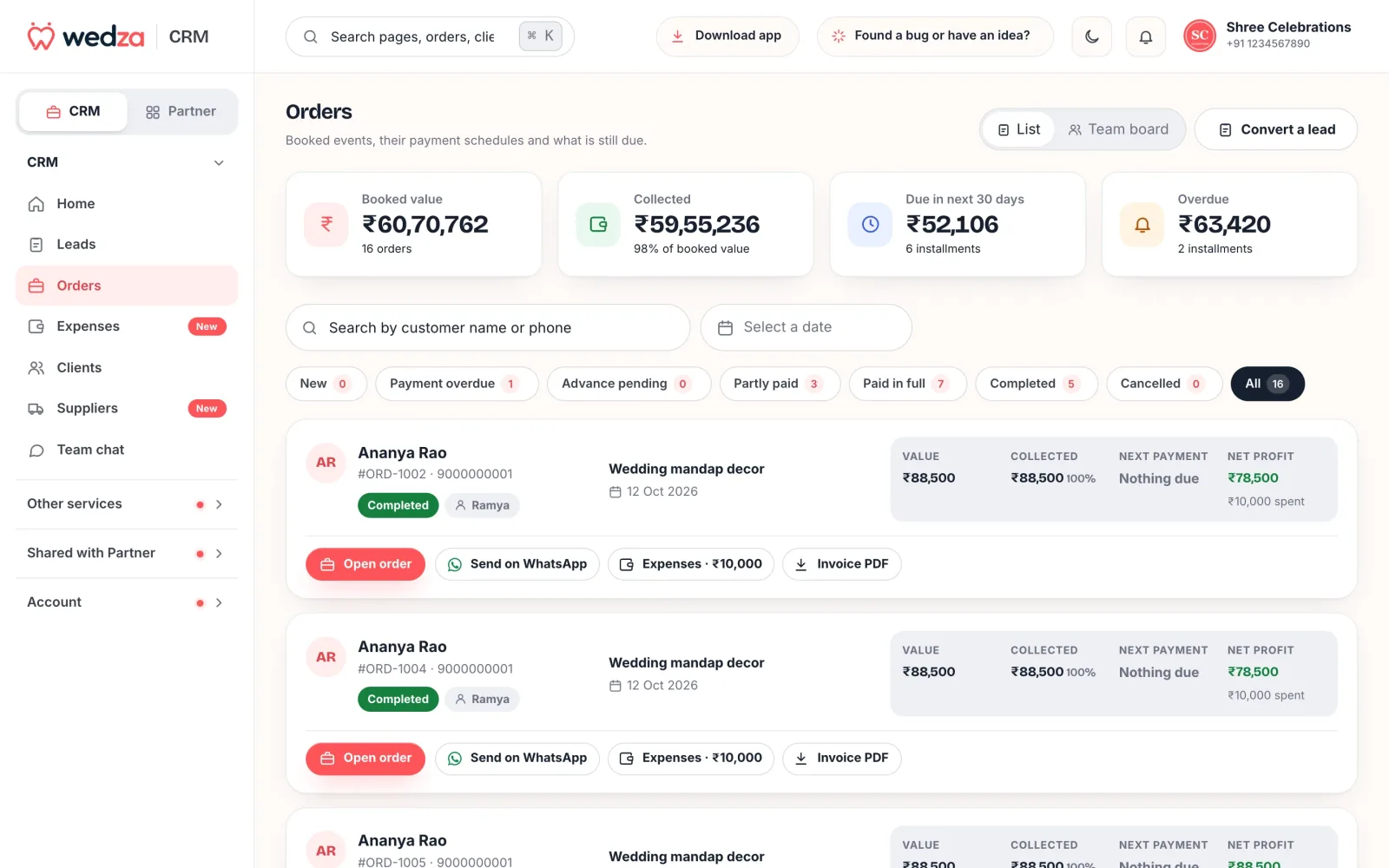
How much advance should I take for a wedding booking?
Take enough advance to cover what you lose if the client cancels: most wedding businesses in India ask for 25% to 50% to confirm the date. Look at what you spend before the event day. A decorator buys flowers and material, a caterer books staff and groceries, a hall turns away other enquiries for that date. The more you spend upfront, the larger the advance should be.
What are common payment schedules for wedding bookings?
| Plan | When | Good for |
|---|---|---|
| Full | 100% at booking | Small orders, return gifts, invitations |
| 50 / 50 | Half to book, half before the event | Photography, makeup, DJ |
| 30 / 40 / 30 | Book, a month before, before the event | Decor, catering, venues |
| 25 / 25 / 50 | Book, mid-way, before the event | Large or long-lead orders |
For a multi-day wedding, tie the schedule to the first function, not the last. If the haldi is on Friday and the reception on Sunday, the balance is due before Friday.
When should the final balance be paid?
Ask for the final balance a few days before the first event day, not on the day itself. On the muhurtham morning nobody in the family has time to transfer money, and chasing a balance after the event is the hardest money to collect.
How do I make a payment schedule work?
- Put the schedule in the quote and on the order, not only in the chat.
- Give every instalment an amount and a due date.
- Write your cancellation terms next to the advance. Our guide on booking terms has a sample.
- Record every payment with how it was paid and a reference, like the UPI transaction ID (UTR) or the cheque number.
- Send a polite reminder a day or two before each due date.
- Say thank you when money comes in, with what is paid and what is left.
How do I remind a client about a pending payment without sounding rude?
Send a short, friendly WhatsApp message before the due date with the amount, the date and what it is for, and nothing else. For example:
“Hi Priya, a gentle reminder: the second instalment of ₹40,000 for your wedding decor on 17 Oct is due on 15 Sep. You can pay by UPI or bank transfer. Thank you!”
Reminding before the date feels like service; reminding after it feels like chasing. If a payment is late, send one reminder, then call. More words for these moments are in our WhatsApp templates.
What if the client wants to change the plan or add services?
Change the schedule on the order the moment the client agrees, so the numbers still add up. If the family adds a sangeet setup two weeks before the wedding, add it to the order with its own instalment and due date instead of “adding it to the balance” in your head. When a client pays less than an instalment, record what came in; the rest stays as balance.
How do I keep track of UPI, cash and bank payments?
Record each payment against its order on the day it comes in, with the mode and the reference. A notebook works until UPI to your phone, cash to your manager and a cheque to your partner stop adding up in peak season. One place for every payment means you always know who has paid and who has not.
How do payment schedules work in Wedza?
When you convert a lead to an order in Wedza CRM, you pick Full payment upfront, 50% advance / 50% before event, 30% / 40% / 30%, 25% / 25% / 50% or Custom. Each instalment has a label, an amount or percent and a due date. Change one amount and the instalments after it share what is left, so the plan always matches the order value.
- Record payments by UPI, bank transfer, cash, card or cheque, with a reference such as the UTR or cheque number.
- Remind on WhatsApp: each unpaid instalment has a reminder that opens WhatsApp with the amount, the due date and a link to the order.
- Clients can say they have paid: on the order link, the client taps I’ve paid, picks how they paid and adds the transaction ID or a screenshot. Nothing shows as paid until you confirm it.
- See what is due: your home screen shows money collected, what is due in the next 30 days and overdue payments in red, and Wedza sends you a reminder by push and email when an instalment is due today or overdue.
- Add to an order later: an extra charge or another service can add its own instalment with a due date you pick.
- Completed means paid: an order can be marked completed only once the event is done and it is paid in full.
Wedza never takes a commission on your orders or payments. Wedza CRM is ₹199 for 30 days with every feature, and new partners get a 3-day free trial. To put the schedule in your quote from the start, see wedding quotation software with GST.
More about Wedza CRM: this guide covers one part. For everything Wedza CRM does, with real screens, prices and add-ons, see Wedza CRM features: everything it does.
Questions
How much advance should a wedding business take?
Many businesses take 25% to 50% to confirm the date. Higher-cost or material-heavy work, like decor and catering, often uses a larger advance.
What if a client pays less than the instalment?
Record what you received; the rest stays as balance on the order.
Can I make my own payment plan instead of 50/50 or 30/40/30?
Yes. Pick Custom when you convert a lead to an order and add as many instalments as you need, each with a label, an amount or percent and a due date. Change one amount and the instalments after it share what is left.
Can my client tell me they have paid by UPI?
Yes. On the order link, the client taps I've paid on an instalment, picks UPI, bank transfer, cash, card or cheque, and adds the transaction ID or a screenshot. It shows as paid only after you confirm it.
Does Wedza take a cut of my payments?
No. Wedza never takes a commission. Your client pays you directly by UPI, bank transfer, cash, card or cheque, and you record it on the order.