
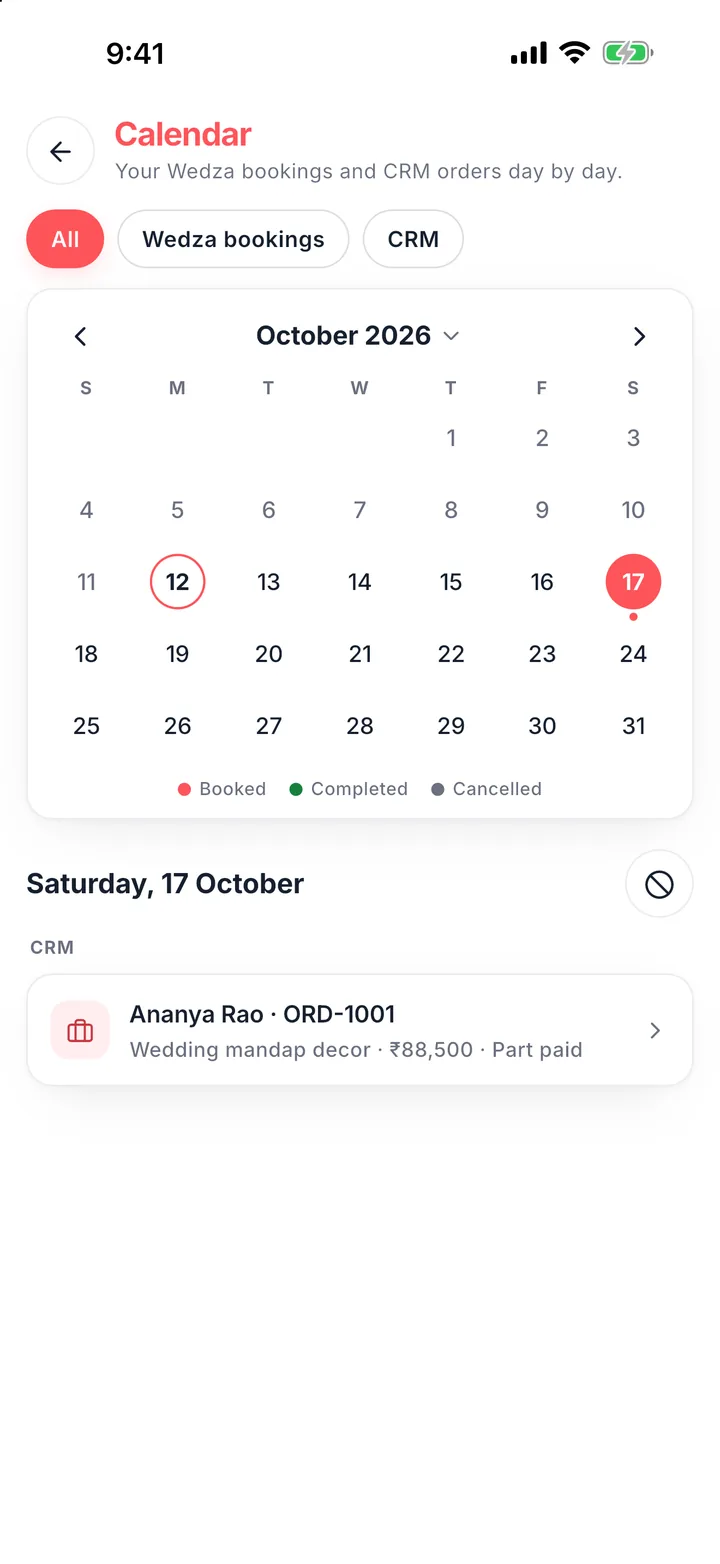
In peak season one date can get five enquiries. If your diary, your phone and your team are not looking at the same calendar, sooner or later two clients get the same day.
Why it happens
- Bookings live in more than one place: a diary, a sheet, a booking app.
- A date is promised in a chat before the advance comes in.
- Team members take bookings without checking with each other.
- Days off and maintenance days are not written down.
Four rules
- One calendar. Every booking, from every channel, goes on one calendar.
- Check before you quote. Look at the date before you send a price.
- Hold on advance. A date is held when the order is created, not when someone says “maybe”.
- Block days off early. Mark family events and maintenance days as unavailable.
In Wedza
Wedza puts your CRM orders and your Wedza app bookings on one calendar. When you add a lead, the date picker shows free, limited and full days. Converting a lead holds its dates, and “Unavailability Management” blocks days off for customers and for your own lead form. See Wedza CRM.
Questions
Can I take more than one event on a day?
Yes. Set how many bookings each service takes per day; the date shows as limited, then full.