
A clear quote wins bookings. A vague one starts a week of back-and-forth. Wedding quotation software makes every quote look the same, adds tax correctly and gets it to the client on WhatsApp in a minute.
What every wedding quote should include
- Your business name, logo and PAN or GST number
- Client name and event date (or dates, for multi-day events)
- The occasion: wedding, reception, haldi, sangeet and so on
- Each service with quantity and price
- Tax: GST on top or included, and the amount
- The total the client pays
- How to pay: bank account and/or UPI ID
Sample
| Item | Amount |
|---|---|
| Wedding mandap decor, Sat 17 Oct (Muhurtham) | ₹75,000 |
| GST 18% | ₹13,500 |
| Total | ₹88,500 |
From quote to invoice
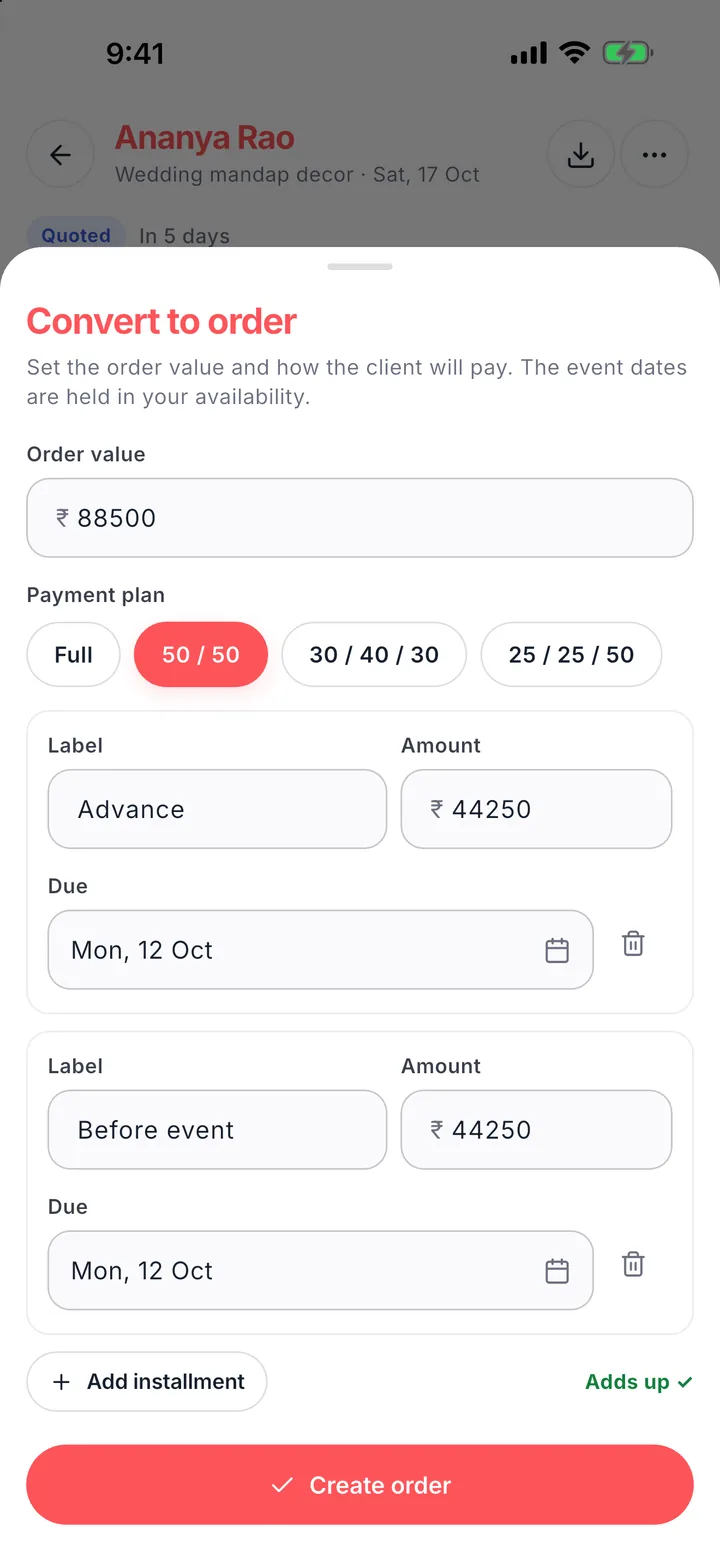
In Wedza CRM you set your logo, PAN/GST, bank and UPI once in Invoice management. Every quote carries them. When the client says yes, tap “Convert to order”, choose a payment plan and the same details flow into the order and its payment schedule.
Questions
Can clients open the quote without an app?
Yes. Wedza sends a link and PDF on WhatsApp that opens on any phone.
Can I change the price for one client?
Yes. Your service price fills in automatically and you can change it for that client before saving the quote.