
FaceFind AI
Every guest finds their own photos.
Share one QR code. Each guest scans their face on their phone and gets a page with only the photos they are in, alone and in groups, ready to download and share.
How it works
Scan the QR. Scan your face. See your photos.
Two steps for you, four for your guests, all on their own phone.
Turn it on for the event
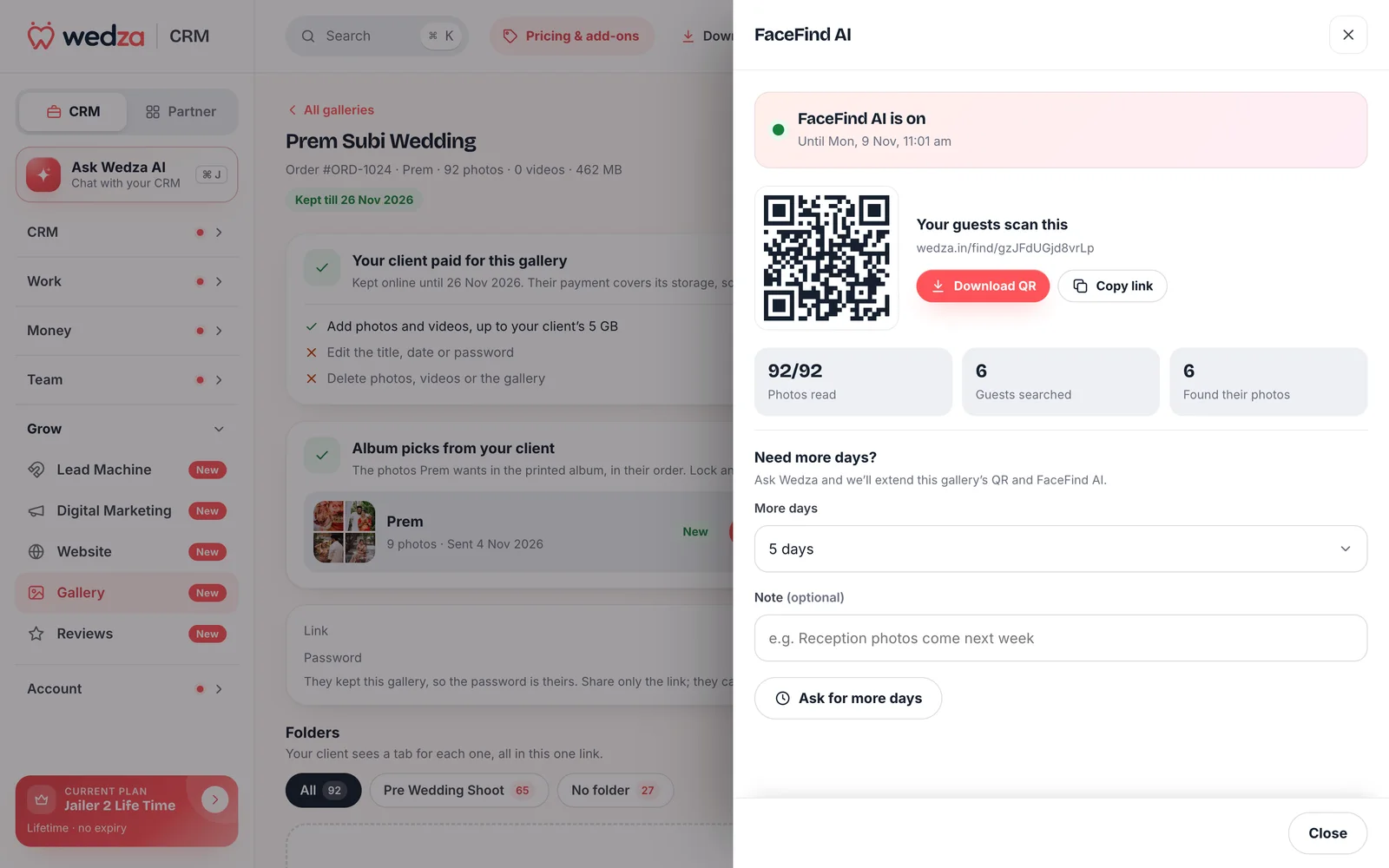
Open the order’s gallery in CRM › Gallery and press FaceFind AI. Pay ₹99 for that event and it is on for 5 days. We read the faces in every photo, and in new photos as you add them.
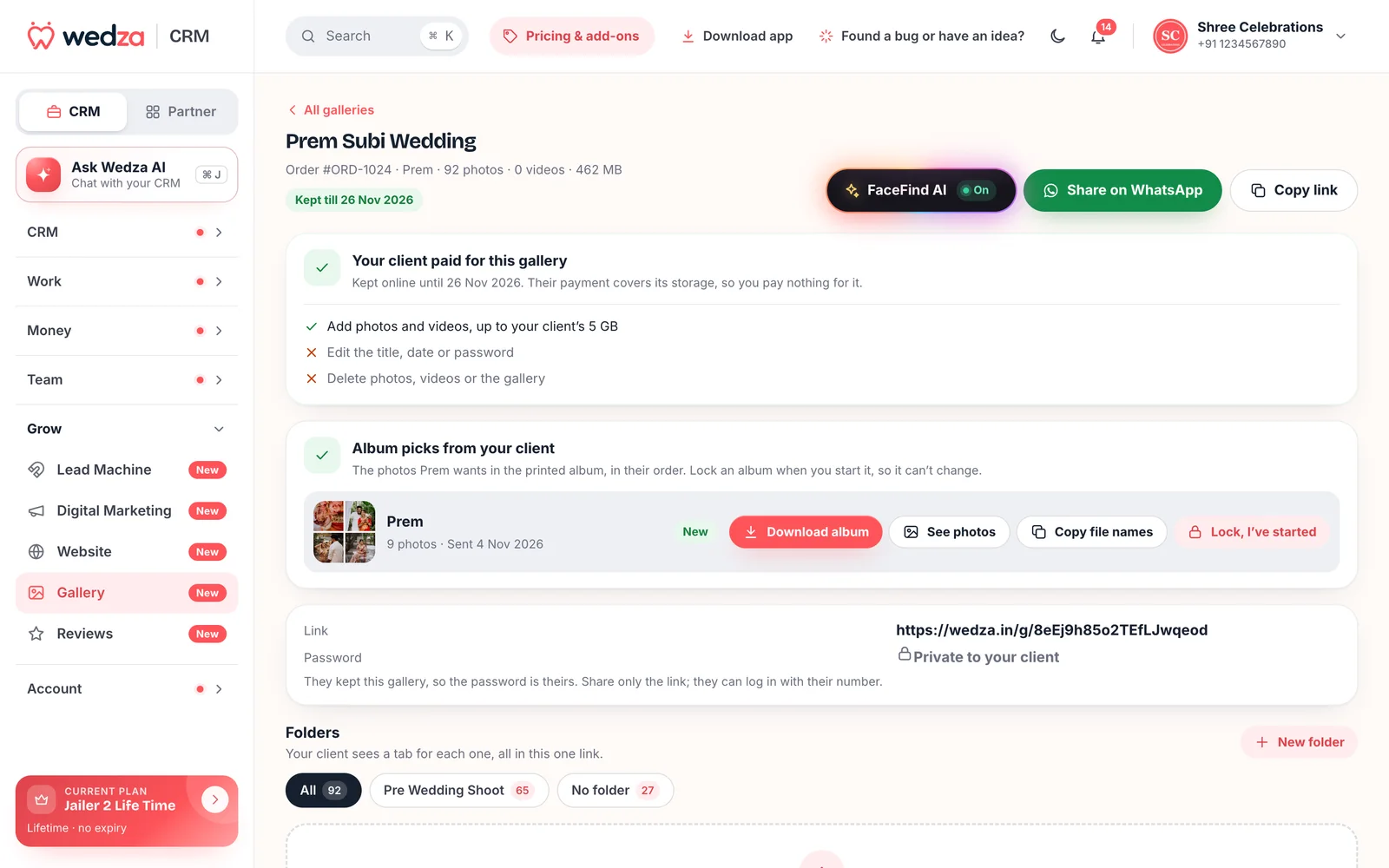
Share the QR code
Download the QR as a printable card for the reception or the photo booth, or copy the link for the family WhatsApp group. Watch photos read, guests searched and guests who found their photos.
Guests open the QR
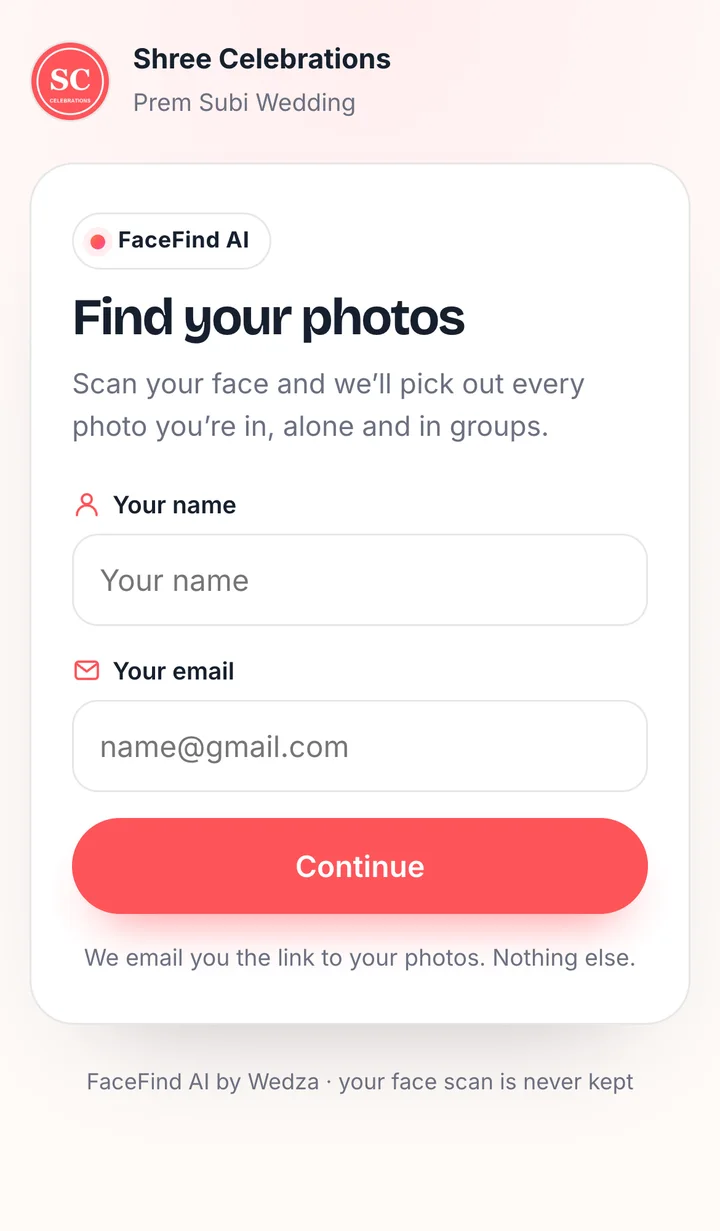
They scan it with the phone camera. No app and no password: they type their name and email, the only details we ask.
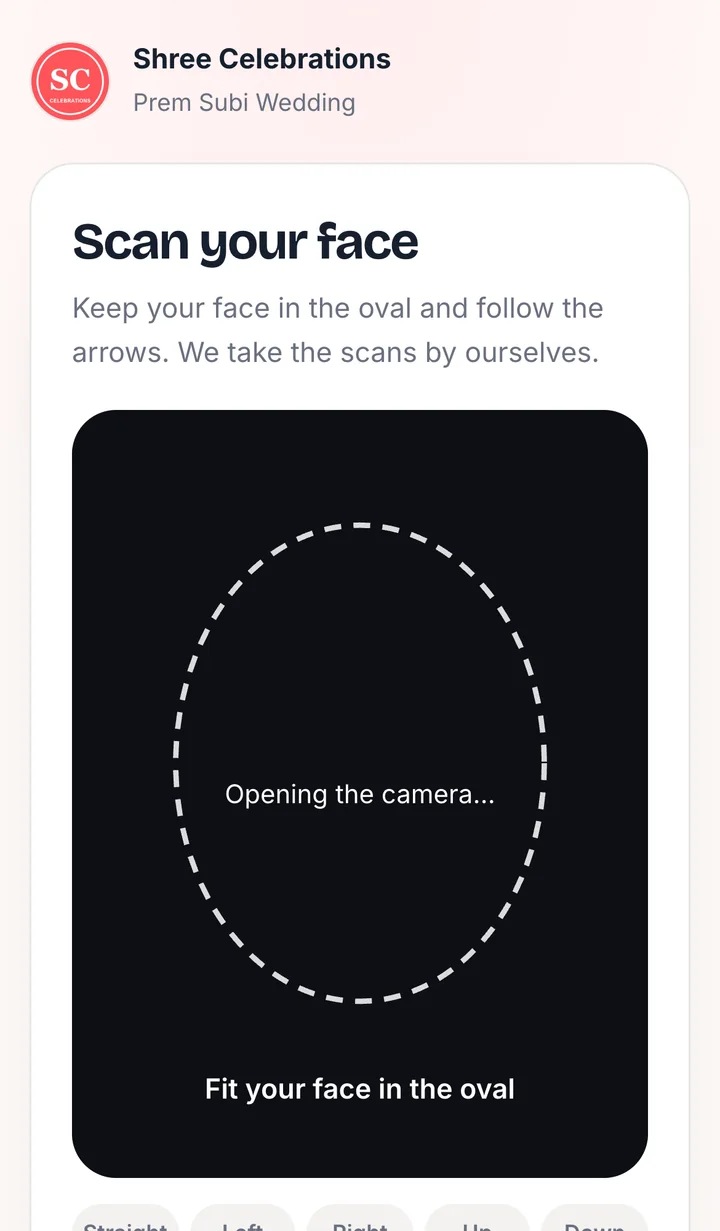
A guided face scan
An oval coaches them closer, centred and still. Five quick scans are taken by themselves: straight, left, right, up and down. Uploading a photo is there as a backup.
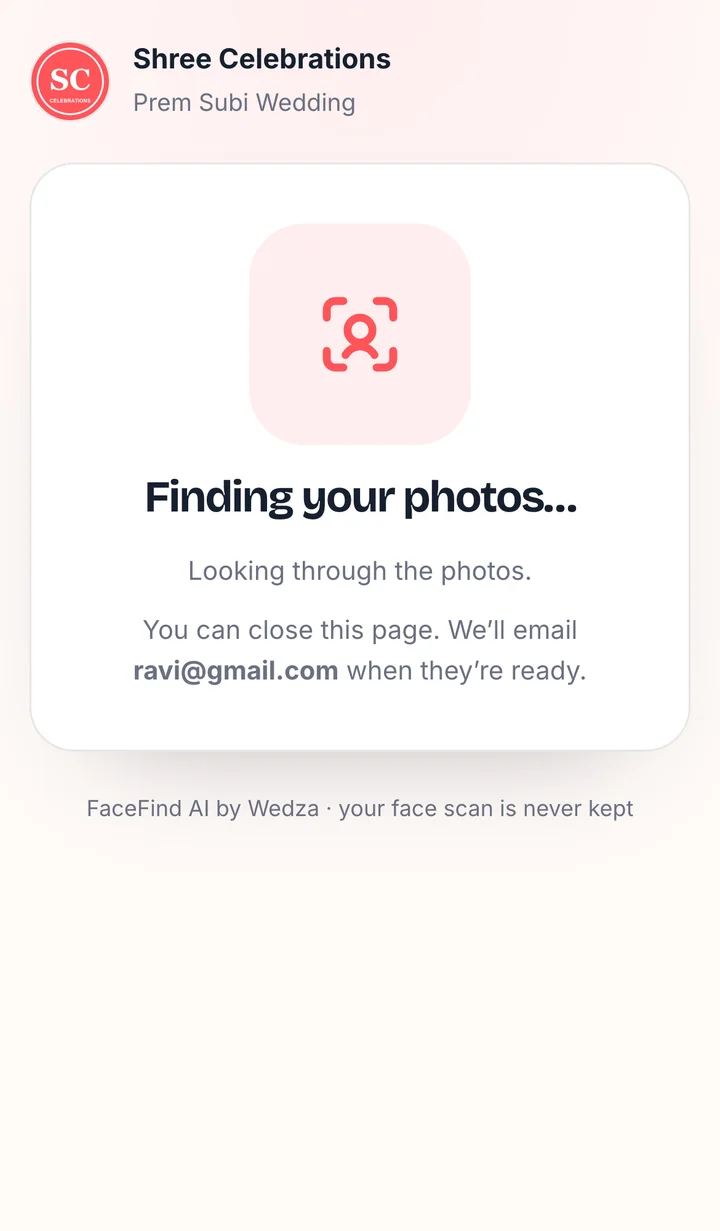
We find their photos
Usually while they wait. If photos are still being read, they can close the page and we email them the link.
Their photos, ready
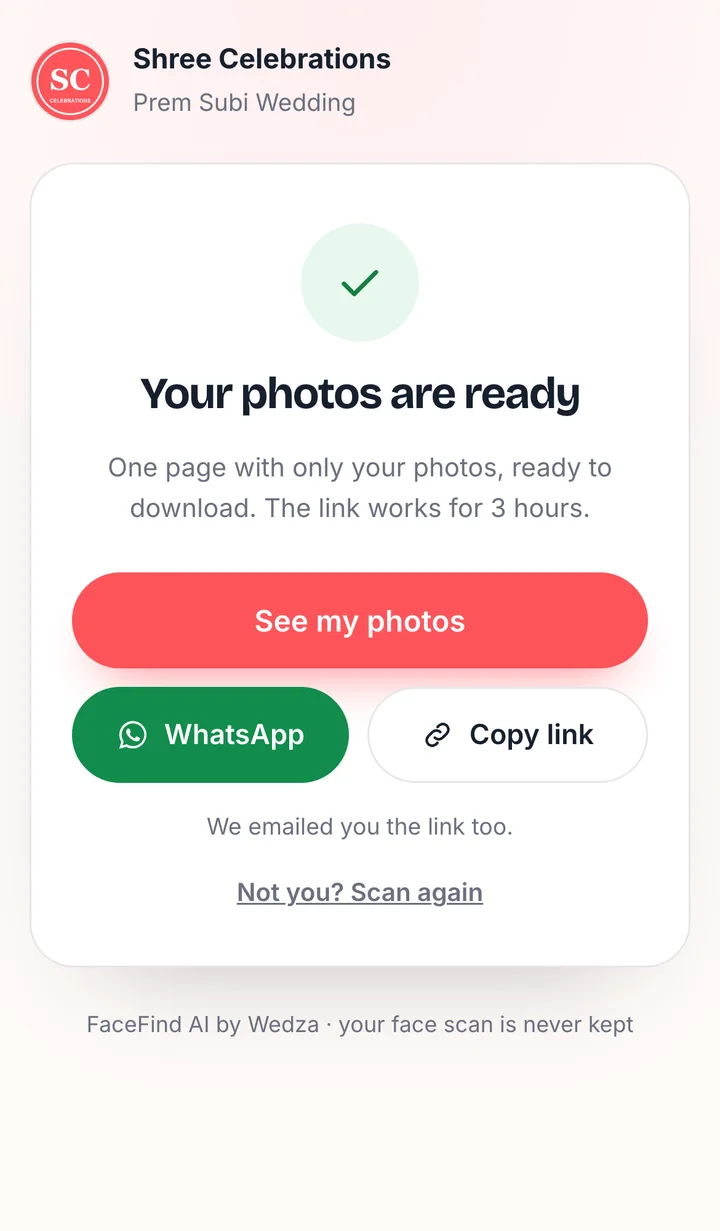
See my photos opens a page with only their photos, with downloads. They can share it on WhatsApp or copy the link. It works for 3 hours, and they can scan again any time FaceFind is on.
Smart search
Finds more than the front-facing photos.
Every strong match helps find the next, so photos from other angles and in other light come up too, and scanning again gives the same result. When a face is nearly a match and the outfit matches the guest’s sure photos, it counts. Photos it isn’t sure about wait in a Might be you row with It’s me and Not me.
What your guests get.
One page with only their photos, on the phone they already have.
- Only you and group photos in separate tabs
- Downloads from the same page
- Share on WhatsApp or copy the link
- Close the page while photos are read
- We email the link when it is ready
- Reopening the QR picks the search up again
- Blurry or turned scans are asked again
- One person, good light, no sunglasses
- Not you? Scan again on a shared phone
- No more one-by-one photo requests
- Your work shared in every family group
- The full gallery stays with the couple
- New photos are read as you add them
- Guests who scan later find them too
- Ask for 1 to 10 more days from the gallery
- ₹99 for the whole event
- However many guests scan
- Works for 5 days from payment
Private by design
Their face finds their photos. Nothing more.
- Face scans are never keptA scan is read in memory to find the guest, then thrown away.
- Fingerprints, not picturesWe keep only numbers that describe a face. A guest’s are kept while FaceFind is on, to email them new photos of them, then deleted; the gallery’s go 30 days after FaceFind ends.
- Our own serversOpen-source face models run on Wedza’s own server. Your clients’ photos are not sent to an outside AI service.
- Only what the client already seesGuests get photos from the client’s gallery link only, never team-only folders or a client’s private uploads.
FaceFind AI works for 5 days from payment, for that order’s gallery. Need longer? Ask for more days from the gallery and the Wedza team adds them. Photos stay on your Cloud Gallery storage at ₹6 per GB.
Questions
What is FaceFind AI?
FaceFind AI is part of Cloud Gallery in Wedza CRM. You turn it on for one event’s gallery and share its QR code; every guest who scans their face gets a page with only the photos they are in.
How much does FaceFind AI cost?
₹99 per event, for 5 days from payment, however many guests scan. Photos stay on your usual Cloud Gallery storage at ₹6 per GB.
Do guests need an app or a password?
No. Guests scan the QR with their phone camera and everything happens in the phone’s browser. They type their name and email and scan their face.
Is the face scan stored?
No. The scan is read in memory and thrown away. Only face fingerprints (numbers, not pictures) are kept while needed, then deleted.
Can a guest see photos they are not in?
No. Each guest gets only the photos they are in, from what the client’s gallery link already shows. Team-only folders and private uploads are never searched.
How long does a guest’s link work?
3 hours. Guests can scan again any time while FaceFind is on for the event.
What if the guest is not sure a photo is them?
Photos the search is unsure about show in a Might be you row. It’s me adds the photo and helps find more; Not me takes it out.