
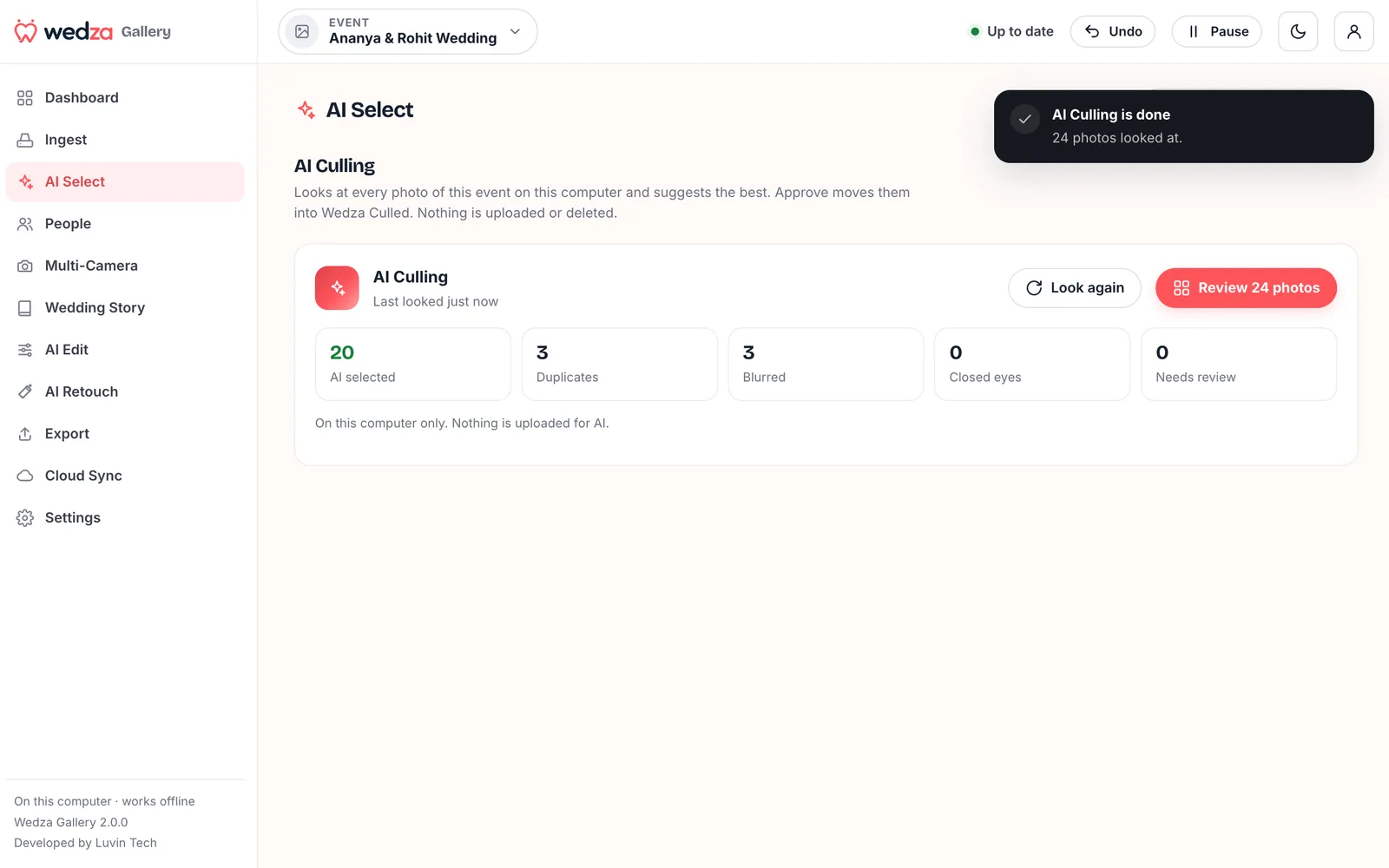
Album selection usually means a WhatsApp list of file names, then an evening matching DSC_4521 to its RAW across three folders. With Wedza, your client picks in their online gallery, and Albums in Wedza Gallery finds the originals for you.
This guide covers album photo selection from start to end: how the couple picks, how you get the picks back, and how to turn them into RAW files ready to edit without typing a single file name.
How is online album selection different from a list of file names?
| Step | The usual way | With Wedza |
|---|---|---|
| Client picks | Screenshots or a list of numbers on WhatsApp | Picks in their online gallery and sends the album |
| You find out | When you check WhatsApp | A push, in-app notification and email |
| Changes | “Add three more” after you start | You lock the album when design starts |
| Find the RAWs | Search folder by folder | Albums matches each pick to JPEG and RAW |
| Copy | One by one | One press into Wedza Culled |
How does wedding album selection work in Wedza?
- Share the gallery. Your client gets one link with a password and an expiry date, a tab for each folder, downloads and album picks.
- They pick and send. The couple chooses the photos for the printed album. Lock the album when you start designing so nothing changes.
- Albums matches every pick to its JPEG and RAW on your computer, in the event folder and a RAW folder you choose per event.
- Copy in one press: RAW + JPEG, RAW only or JPEG only, into Wedza Culled › the album’s name. Undo puts the copies in the Bin.
- Edit and export them with AI Edit and AI Retouch, or take them to your album software.
What does the couple see when picking album photos?
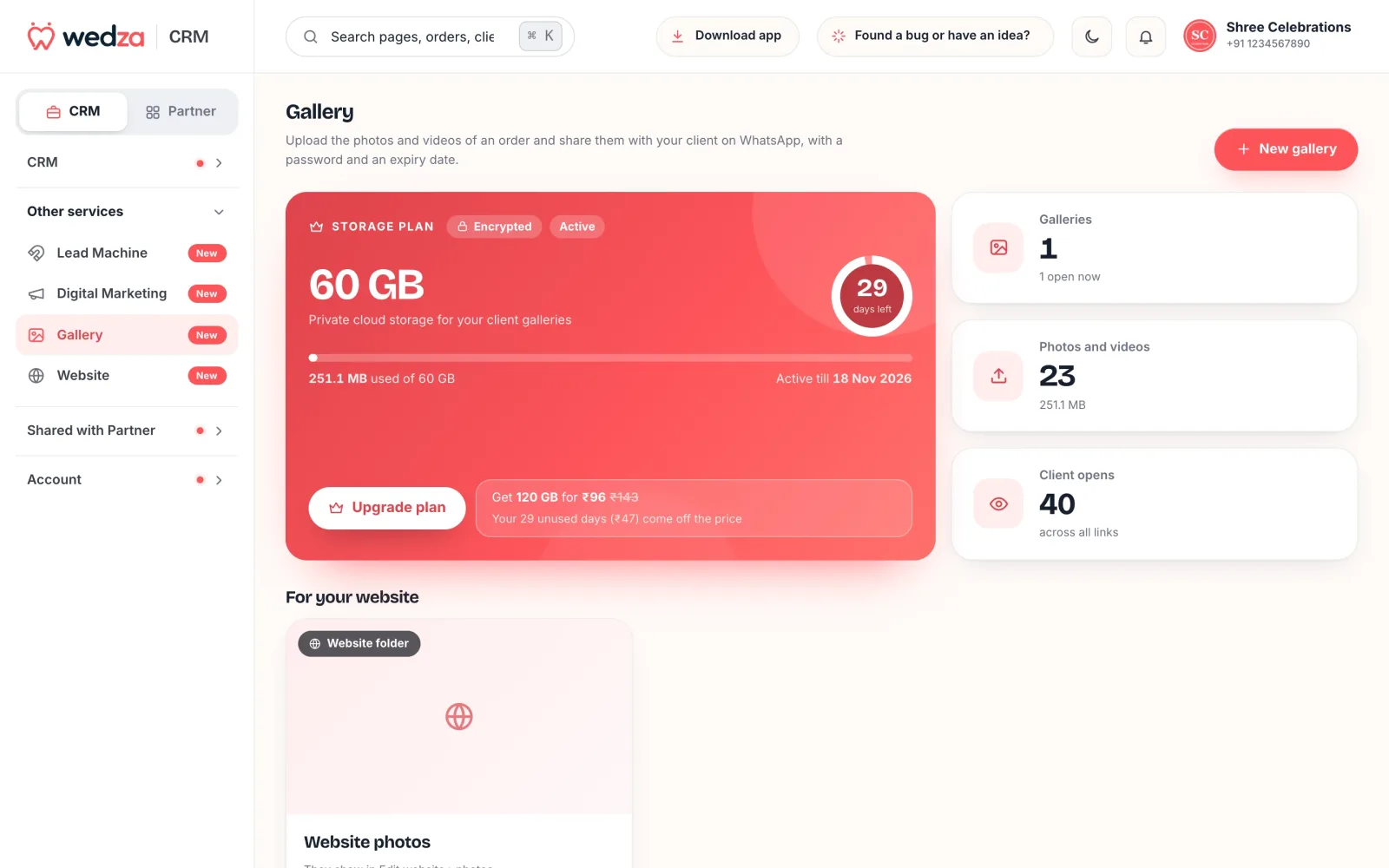
The gallery opens on their phone or computer without an app. They can pick album photos in order, up to 10 albums per gallery, so the wedding and the reception can be separate albums. They can also like photos, see them in a Liked tab and start an album from their likes, or add the photo on screen to an album while viewing it. Likes are private to the client.
When they send an album, you get a notification. In the Partner Portal you can copy the file names or lock the album, and album downloads are named by their place in the album: 01.jpg, 02.jpg, 03.jpg.
Albums you make
Make an album from one VIP (every photo of the bride’s mother, say) or from photos you pick, matched to JPEG and RAW the same way. Press Send to online gallery and it shows for your client too; Update online and Take off online keep it in step. Read sorting wedding photos by face.
Tips for a smoother album selection
- Tell the couple how many photos the album takes before they start, so they do not pick 600 for a 200-photo album.
- Use folders. A tab per function (haldi, wedding, reception) makes picking faster for the family.
- Choose the RAW folder per event in Wedza Gallery before you match, so every pick finds its original.
- Lock when you start designing. Late changes are where album delivery dates slip.
Common mistakes
- Accepting picks on WhatsApp and in the gallery at the same time. Keep one list.
- Editing the compressed gallery copy instead of the RAW.
- Deleting the original folders before the album is designed.
- Typing file names into a sheet to send to the album designer. Copy the names from the album instead.
Where album selection fits in the order
In Wedza CRM, photo selection and the album can be deliverables on the order, each with a due date and a status. The couple sees them as steps on their order page, and your Home shows what is due next. Editors with the Post production role see only their deliverables and the galleries or folders given to them, so a second editor can pull the album RAWs without seeing your prices.
If you are new to client galleries, start with the online photo gallery guide for photographers, then come back to albums.
Price
Wedza Gallery costs nothing extra. It comes with Cloud Gallery in Wedza CRM: ₹199 for the first 30 days (up to 30 GB), then ₹6 per GB every 30 days for what you store.
More about Wedza CRM: this guide covers one part. For everything Wedza CRM does, with real screens, prices and add-ons, see Wedza CRM features: everything it does.
Questions
How do clients pick photos for the album?
In their Cloud Gallery link, the couple picks the photos they want in the printed album and sends the album to you. You can lock it when you start designing so it can’t change.
How do I find the RAW files of the picks?
Albums in Wedza Gallery shows every album your clients send and matches each photo to its JPEG and RAW on your computer: the event folder, plus a RAW folder you choose for the event. One press copies them into Wedza Culled.
Can I copy only the RAW files?
Yes: RAW + JPEG, RAW only or JPEG only. The copies go into Wedza Culled › the album’s name, and Undo puts them in the Bin.
How many albums can a client make?
Up to 10 albums per gallery, for example one for the wedding album and one for the reception album.
Can I make an album myself and share it?
Yes. Make an album from one VIP or from photos you choose, then Send to online gallery. Only photos already synced go, and the rest can be sent after Cloud Sync.
Does it work offline?
Matching and copying work offline once the client’s album has reached Wedza Gallery.
How much does it cost?
Wedza Gallery costs nothing extra. It comes with Cloud Gallery, an add-on to Wedza CRM: ₹199 to start, then ₹6 per GB for what you store. Wedza CRM is ₹199 for 30 days, and new partners get a 3-day free trial.