
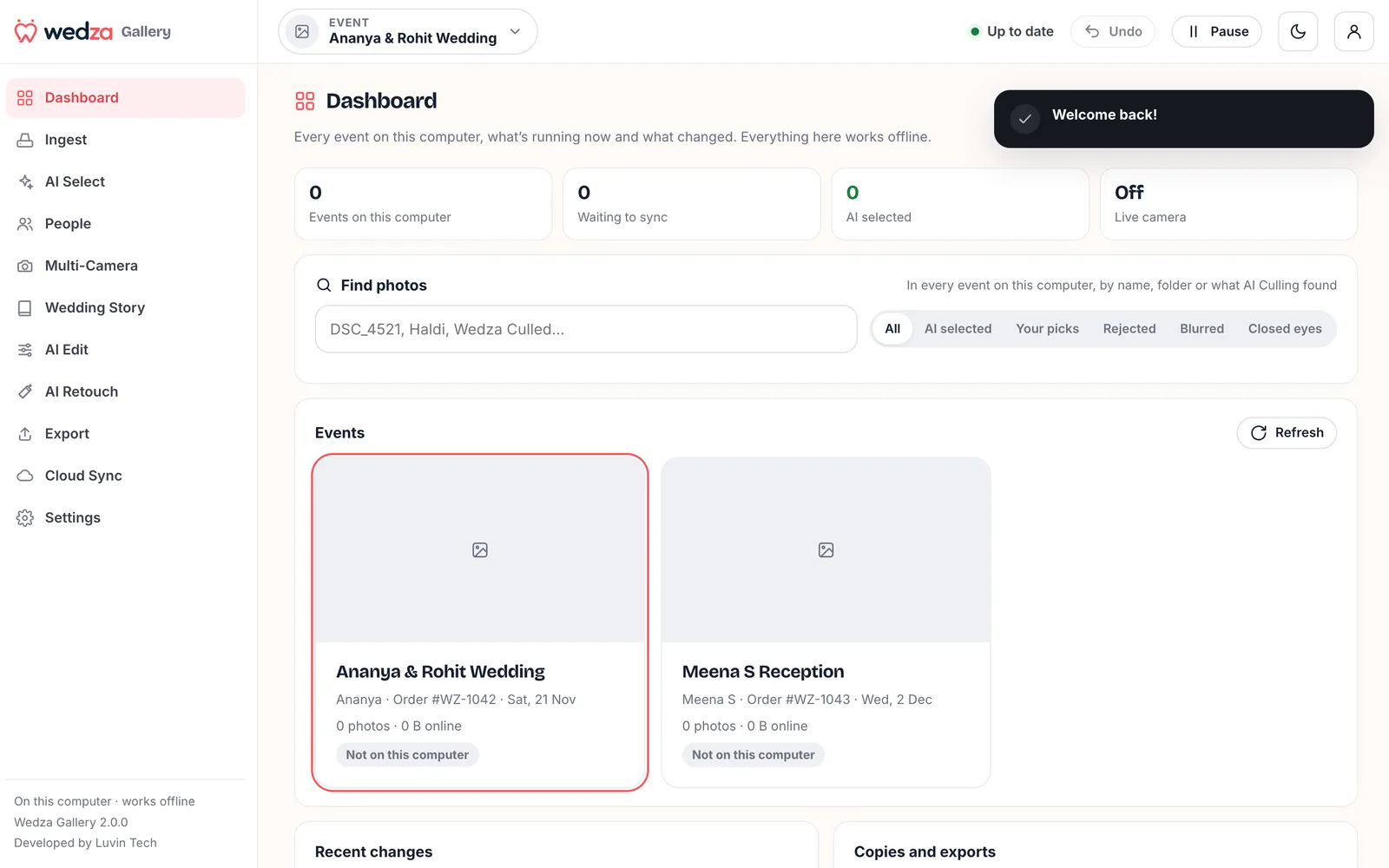
After culling, a wedding still needs every photo brought to the same look: exposure, white balance, a crop, and a little retouching on the portraits. AI Edit and AI Retouch in Wedza Gallery do the first pass for you, on your own computer, and you change anything you like.
How does AI Edit do the first pass in my style?
- Exposure: faces brought to a good brightness, without pushing night photos into day.
- White balance: corrected only when there is something near grey to go by, so coloured stage light is left alone; warm light stays warm.
- Tone: highlights pulled back, faces in deep shadow lifted, flat photos given contrast.
- Crop: none, or 3:2, 4:5, 1:1 or 16:9 with faces on a third and nobody cut out.
- Learns your style: after 3 photos you change, your usual difference is added to every auto edit. Switch it off any time.
The editor shows a live preview, Before (hold the backslash key), sliders, crop shapes and Copy / Paste to chosen photos.
How does AI Retouch handle portraits?
- Skin evened with its texture kept, so pores stay and nobody looks plastic.
- Spots found and healed, shown as rings you can take out. Bindi, tikka, jewellery and nose rings are left alone.
- Remove small things: paint over a stray hair clip or a mark on a plain background.
- Background: keep it, blur it, change it to a studio colour (white, ivory, warm grey, grey, black or any) or save a cut-out PNG.
Does AI editing change my original photos?
Edits are recipes. Export full-size JPEG, WebP or TIFF with them, save edited copies straight into Wedza Culled to sync to the client, or take the edits to Lightroom as XMP. Every change is in one Undo. Before editing, let AI culling pick the photos worth your time.
Price
Wedza Gallery costs nothing extra. It comes with Cloud Gallery in Wedza CRM: ₹199 for the first 30 days (up to 30 GB), then ₹6 per GB every 30 days for what you store.
More about Wedza CRM: this guide covers one part. For everything Wedza CRM does, with real screens, prices and add-ons, see Wedza CRM features: everything it does.
Questions
Does AI Edit change my original photos?
No. Edits and retouches are saved as recipes. Exports and edited copies are new files, and Undo covers every change.
Will it make Indian skin lighter or cool down warm light?
No. It was checked on a real wedding: every skin tone is kept, warm wedding light is the look and is only cooled a little, and bright photos that are bright because of white (album pages, white backdrops) are not darkened.
Will spot healing remove a bindi or nose ring?
No. It never looks for spots on the forehead strip between the eyes (bindi, tikka, tilak), around the nostrils (nose rings), near the eyes, lips or brows, and leaves gold and red marks alone. Every spot it finds is shown so you can take it out.
Can I take edits to Lightroom?
AI Edit’s exposure, contrast, highlights, shadows, saturation and crop go to Lightroom as XMP with your originals. AI Retouch is applied in Wedza Gallery’s exports and edited copies.
Does it need the internet?
No. AI Edit and AI Retouch run on your computer. The background tool downloads its small model once, then works offline.