
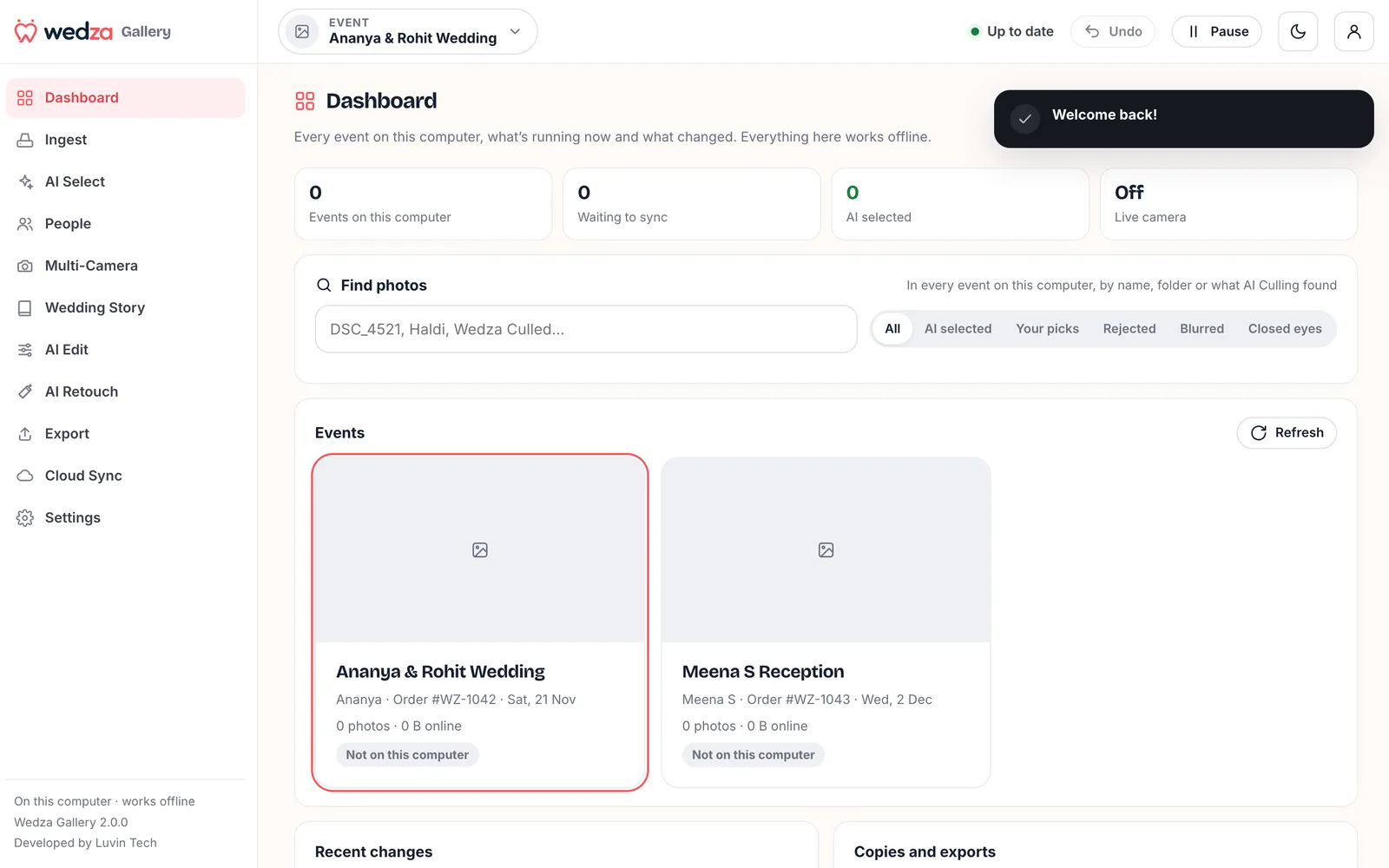
A wedding with a main shooter, a second shooter and a candid camera ends with three clocks that never agreed. Sort by time and the garland exchange lands after the reception. Multi-Camera in Wedza Gallery lines up every camera body so the whole day sits in the order it happened.
If you have ever searched how to sync photos from two cameras, fix the time on a second shooter’s photos or merge photos from multiple cameras by time, this guide explains why it happens, how to avoid it on the day and how Wedza Gallery fixes it after.
Why do camera clocks drift apart?
- Nobody set the clock. A rented or borrowed body can be days or months off.
- Wrong time zone. A camera bought or last used abroad can be hours off.
- Small drift. Even two cameras set on the same day slowly move apart by seconds or minutes.
- Same model twice. Two identical bodies make it hard to tell whose photo is whose by name alone.
A few seconds do not matter for a portrait session. At a wedding, where the thali, the garland and the rice all happen within minutes, they do.
How does Multi-Camera sync photos from several cameras?
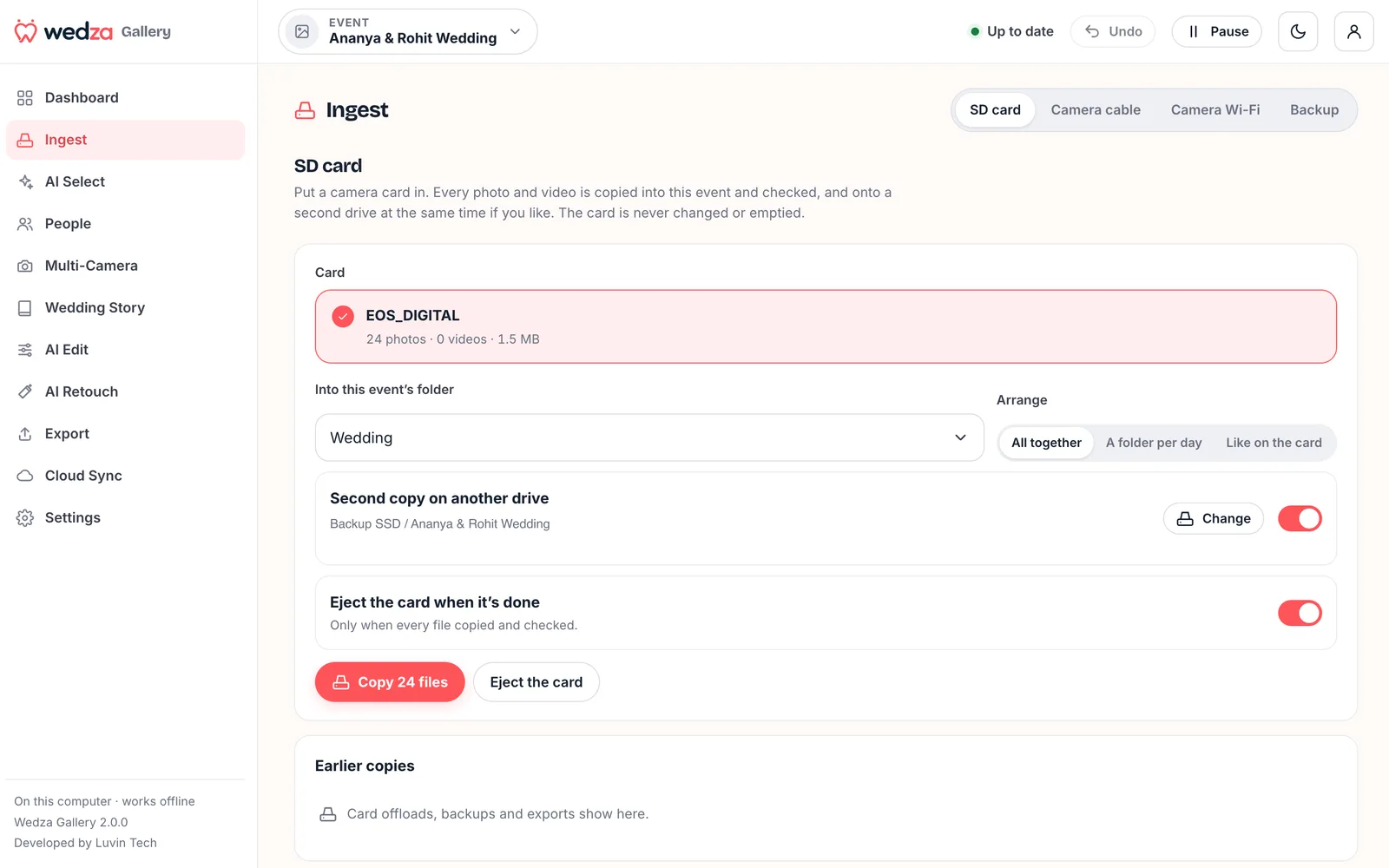
- Copy every card into the event with Ingest, from each camera.
- Find cameras: Wedza Gallery reads the make, model, serial number and time straight from each file, so each body is found even with the same model twice.
- Clocks lined up: the camera with most photos is the reference. For the others, it matches the same moments both cameras shot and the rhythm of bursts, up to 14 hours either way, and applies clear answers in one Undo step.
- Unsure? Pick one shared moment from each camera (the garland, the ring, a flash) or type the offset.
Should I fix camera times by hand or with Multi-Camera?
| Task | By hand | Multi-Camera |
|---|---|---|
| Tell cameras apart | Guess from file names or folders | Make, model and serial read from each file |
| Work out the offset | Find a matching moment and subtract times | Matched from shared moments and bursts |
| Apply it | Shift each camera’s photos one batch at a time | Clear answers applied in one Undo step |
| Originals | Often overwritten | Never changed |
What it changes
- One timeline: a lane per camera, bursts on top of each other once lined up, and the whole event in true order.
- Exports in true order, with numbered names and the corrected time written into each copy and into the XMP for Lightroom.
- Better culling: the same moment from two cameras shows as alike, so AI Select keeps the best one.
- Wedding Story uses the same order for chapters and highlights.
Your originals are never changed, and it all runs on your computer, offline.
A 30-second habit before every wedding
- Set every body to the same time from one phone before the first shot.
- Shoot one shared moment early, such as the first garland or a flash, from every camera. If Multi-Camera asks, that is the moment you pick.
- Keep one card per camera per event when you can, so Ingest copies each body cleanly.
Common mistakes
- Renaming files before lining up the cameras, so the order is fixed in the wrong sequence.
- Culling first and syncing later, so the same moment from two cameras survives twice.
- Sending the client gallery before the timeline is right.
- Typing one offset for every camera when only one of them was wrong.
Where it fits in your workflow
Multi-Camera is one workspace in Wedza Gallery, the same app you use for the rest of the job. A normal wedding goes like this:
- Ingest: copy each card into the event, with checks and a second backup copy. See backing up wedding photos from an SD card.
- Multi-Camera: line up the clocks.
- AI Select: cull, with the same moment from two cameras treated as alike.
- AI Edit and Export: edit, then export in true order.
- Cloud Sync: send the photos to the client’s Cloud Gallery, even on slow internet.
Because it is one app, the corrected order carries through every step without you doing it twice.
Price
Wedza Gallery costs nothing extra. It comes with Cloud Gallery in Wedza CRM: ₹199 for the first 30 days (up to 30 GB), then ₹6 per GB every 30 days for what you store.
More about Wedza CRM: this guide covers one part. For everything Wedza CRM does, with real screens, prices and add-ons, see Wedza CRM features: everything it does.
Questions
Why are photos from two cameras out of order?
Each camera has its own clock, and second shooters often never set it, or set the wrong time zone. Sorting by time then mixes the day up.
How does Wedza Gallery line up the cameras?
It finds every camera body from the files themselves, then works out each clock’s offset by matching the same moments shot by both cameras and the rhythm of bursts. If it is unsure, you pick one shared moment from each camera or type the offset.
Are my photos changed?
No. The originals stay as they are. Exports carry the corrected time in each copy, and XMP for Lightroom gets it too.
Which files does it read?
JPEG and RAW files such as CR2, CR3, NEF, ARW, RAF, DNG, ORF, RW2 and PEF.
How far off can a clock be?
Up to 14 hours either way, so a camera left on another time zone is lined up too.
Do I need internet to sync camera times?
No. Multi-Camera runs on your computer and works offline.
How much does it cost?
Wedza Gallery costs nothing extra. It comes with Cloud Gallery, an add-on to Wedza CRM: ₹199 to start, then ₹6 per GB for what you store. Wedza CRM is ₹199 for 30 days, and new partners get a 3-day free trial.