
A wedding photography business is more than the person holding the camera. There is a second shooter on the day, a videographer, an editor who sorts and colours the photos, someone designing the album, someone cutting the film, and freelancers who join in season. Most studios run all of this on WhatsApp groups and a spreadsheet, and the questions never stop: who is going to Sunday’s reception, which album is late, has the drone operator been paid? Here is how to manage a wedding photography team without losing track.
One app for the whole team
The tool for this is often called a CRM, short for customer relationship management. In plain words it is one app for your enquiries, bookings, payments and team. In studio software for wedding photographers, the order is the centre: its event days, crew, deliverables, gallery, expenses and payments sit together, so your team works from the same booking and not from forwarded messages.
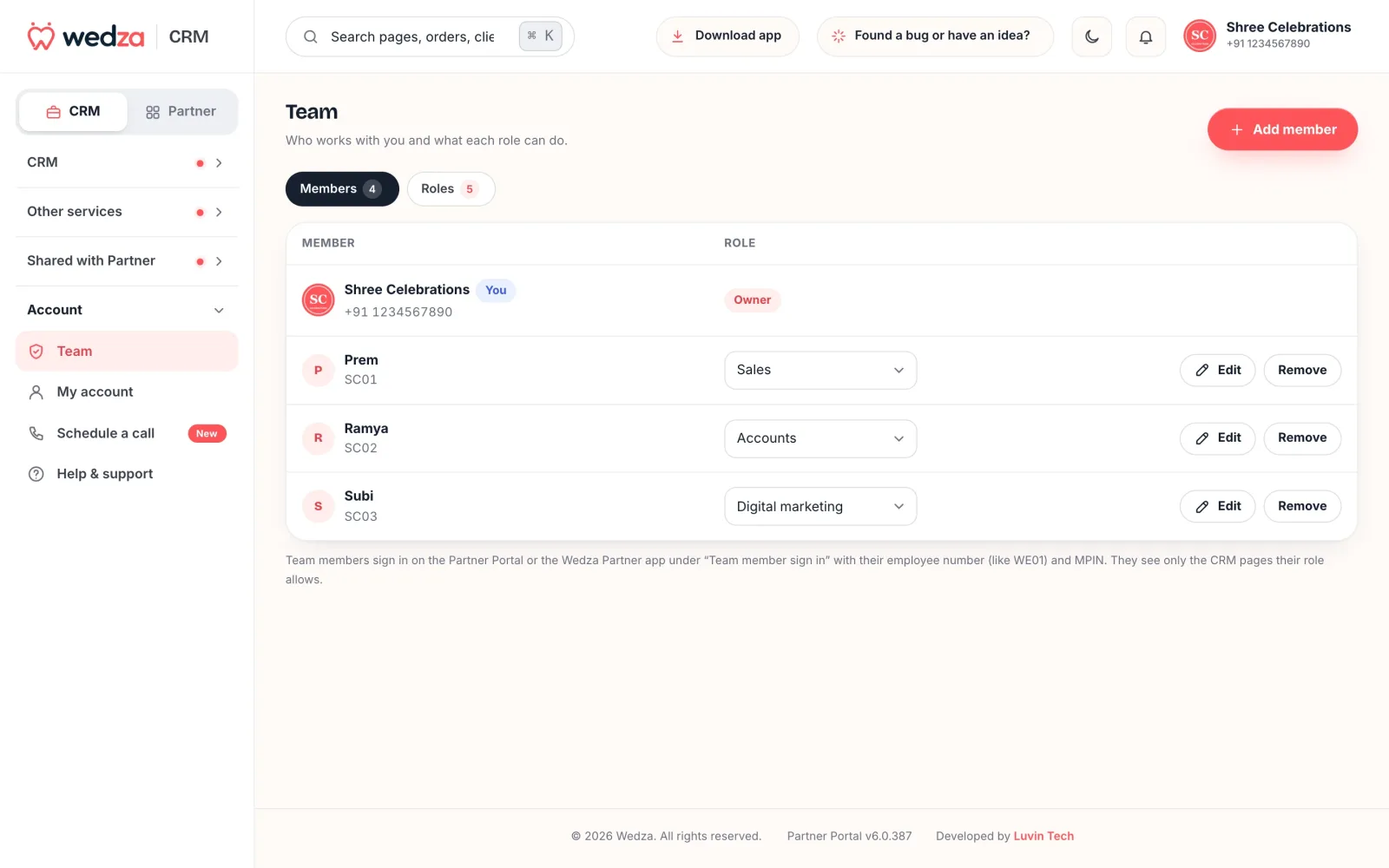
Can every photography team member have their own login?
Each team member logs in to their own dashboard on the Wedza Partner app or the web with an employee number and a 6-digit MPIN. Their role decides what they see, and you can adjust its permissions. There is no limit on team members.
| Role | Who it suits | What they see |
|---|---|---|
| Owner, Sales, Accounts | You and your office | Free roles; permissions you adjust per module |
| Crew | Second shooters, videographers, assistants | Only their own events, with no prices, event reminders, their pay and payslips |
| Crew manager | Whoever plans the shoot team | Puts orders on the Crew board, adds crew and freelancers, chooses who goes; never sees prices, payments or crew pay |
| Post production | Editors, album designers, film editors | Only Deliverables, Gallery, Team chat and their own Salary |
| Post production manager | Your head of editing | Imports orders into Deliverables, plans each deliverable, puts editors on it and links its gallery |
Owner, Sales and Accounts are free. Every other role is ₹99 a year, with any number of members in it. Changing an MPIN or removing a member logs them out everywhere.
Plan who shoots each function
A wedding in Wedza holds every function as its own event day. On the Crew board you put people on each day, with the day’s start and end time, place and contacts. Each crew member can get the day on WhatsApp, with the time, and sees your note for them on that day. Freelancers who don’t need a login can be added to a day too, and Wedza warns you if someone is busy elsewhere that day. The full walk-through is in managing wedding functions and crew.
How do I track photo editing work?
After the shoot, the work moves to editing. Deliverables (CRM › Work › Deliverables) is your post production board. For each order you list what you hand over: edited photos, album, highlight film, full film, reels. Each one gets:
- a due date and a note with what to do and the style to follow,
- the editors working on it,
- a status: Not started, In progress or Delivered,
- Client can see or Team only, and the order’s gallery.
Tabs for To deliver, Late, This week and Delivered, plus search by order, client, deliverable or crew member, show at a glance which album design is late or which wedding film is due this week. Deliverables your client can see show as steps on their order page, so fewer “when will we get the album?” calls. See how post production works in Wedza.
Editors work in the gallery, not in your inbox
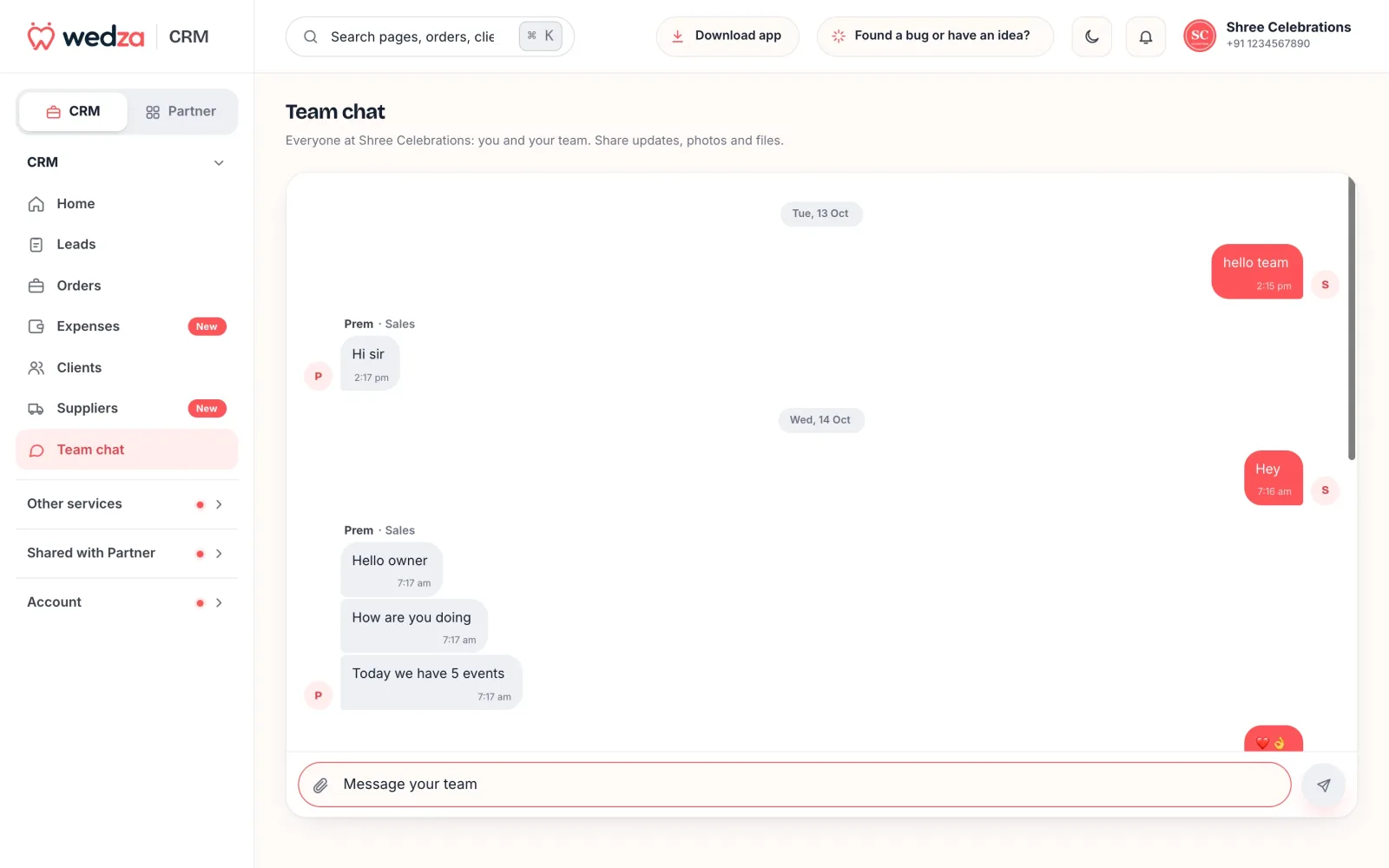
Link the order’s Cloud Gallery to a deliverable and your editor opens it when they log in. Give them the whole gallery or only the folders you pick. Folders set to Team only never show on the client’s link, so raw selects and work in progress stay inside the team.
Editors who work on their own Mac or Windows computer can log in to Wedza Gallery with their employee number and MPIN. They see only the galleries you give them, never the client’s password or phone. They can work on the photos, upload, and add Team only folders. Sending albums or links to the client, deleting files and plans stay with you. When the couple sends their album picks, see how picks reach your RAW files.
How do I track second shooter and freelancer payments?
For every team member, choose how you pay them: per event or a monthly salary. On each order you record what each crew member gets for that event, starting from their usual pay. Wedza shows it as paid, part paid or pending, and you mark it paid when you pay. Every payment and every month has a payslip.
Your team sees this too. Crew and Post production members open Salary to see what is paid and pending, month by month, and download their own payslips. Add crew pay to the order’s costs and you see what each wedding really earned: event expenses and profit.
A simple weekly routine
- Monday: check the Crew board for the week and fill any event day still without a crew.
- Midweek: open the Late tab in Deliverables and talk to the editor on each late item.
- After each event: record crew pay for that event while it is fresh.
- Month end: clear pending pay and let the team download their payslips.
What it costs
Team logins, the Crew board, Deliverables, Salary and payslips are part of Wedza CRM: ₹199 for 30 days with every feature and no limit on team members. Owner, Sales and Accounts are free roles; others are ₹99 a year each. Galleries use Cloud Gallery, paid as you use it. New partners get a 3-day free trial. See Wedza pricing.
More about Wedza CRM: this guide covers one part. For everything Wedza CRM does, with real screens, prices and add-ons, see Wedza CRM features: everything it does.
Questions
Is there an app where my photography team can log in?
Yes. In Wedza CRM every team member gets their own login with an employee number and a 6-digit MPIN, on the Wedza Partner app or the web. Each person sees only what their role allows. Changing an MPIN or removing a member logs them out everywhere.
How do I track photo editing work?
Use Deliverables (CRM › Work › Deliverables). Each order’s edited photos, album, films and reels get a due date, a note, the editors on it and a status: Not started, In progress or Delivered. Tabs show To deliver, Late, This week and Delivered.
Can my editors see my prices and payments?
No. With the Post production role, editors see only Deliverables, Gallery, Team chat and their own Salary, and only the deliverables they are on.
Can editors work on the client’s photos from their own computer?
Yes. Your Post production team can log in to Wedza Gallery for Mac and Windows. They see only the galleries you give them, never the client’s password or phone, and can upload and add Team only folders. Sending to the client and deleting files stay with you.
How do I track second shooter and freelancer payments?
Set how each person is paid, per event or a monthly salary. On each order you record their pay for that event, paid and pending, and download a payslip. Freelancers can be put on an event day without a login.
Does my client see the progress?
Deliverables set to Client can see show as steps with their status on the client’s order page. Team only deliverables never show.
How much does it cost?
Team, crew, Deliverables and payslips are part of Wedza CRM, ₹199 for 30 days with no limit on team members. Owner, Sales and Accounts roles are free; every other role, such as Crew or Post production, is ₹99 a year each. Galleries use Cloud Gallery: ₹199 to start, then ₹6 per GB. New partners get a 3-day free trial.