
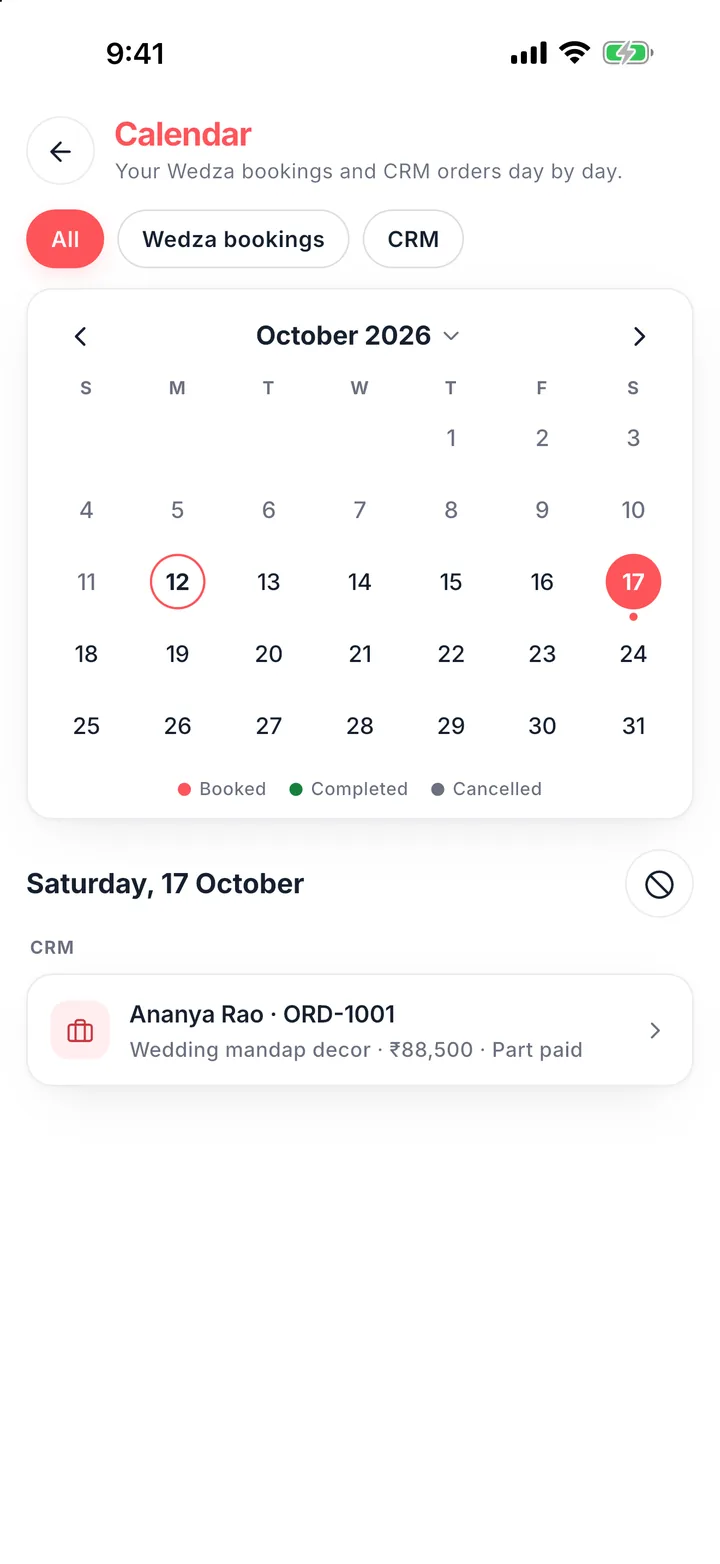
An Indian wedding is rarely one shoot. A single booking can mean a haldi in the morning, a sangeet at night, a 5 am muhurtham the next day and a reception after it, often in different places, each needing a different mix of candid, traditional, video and drone. Here is how to keep it straight.
One booking, every function as its own day
Do not write “Wedding, 14 to 15 Feb” as one line. Give each function its own date, place, start and end time, coverage and crew. This is what stops two clashing promises, and it is what the couple sees on the quote.
Check clashes before you say yes
Before you confirm, check each function date against your calendar, including the morning-after functions people forget. If two teams are needed on the same day, decide now who leads each. More on this: how to stop double bookings.
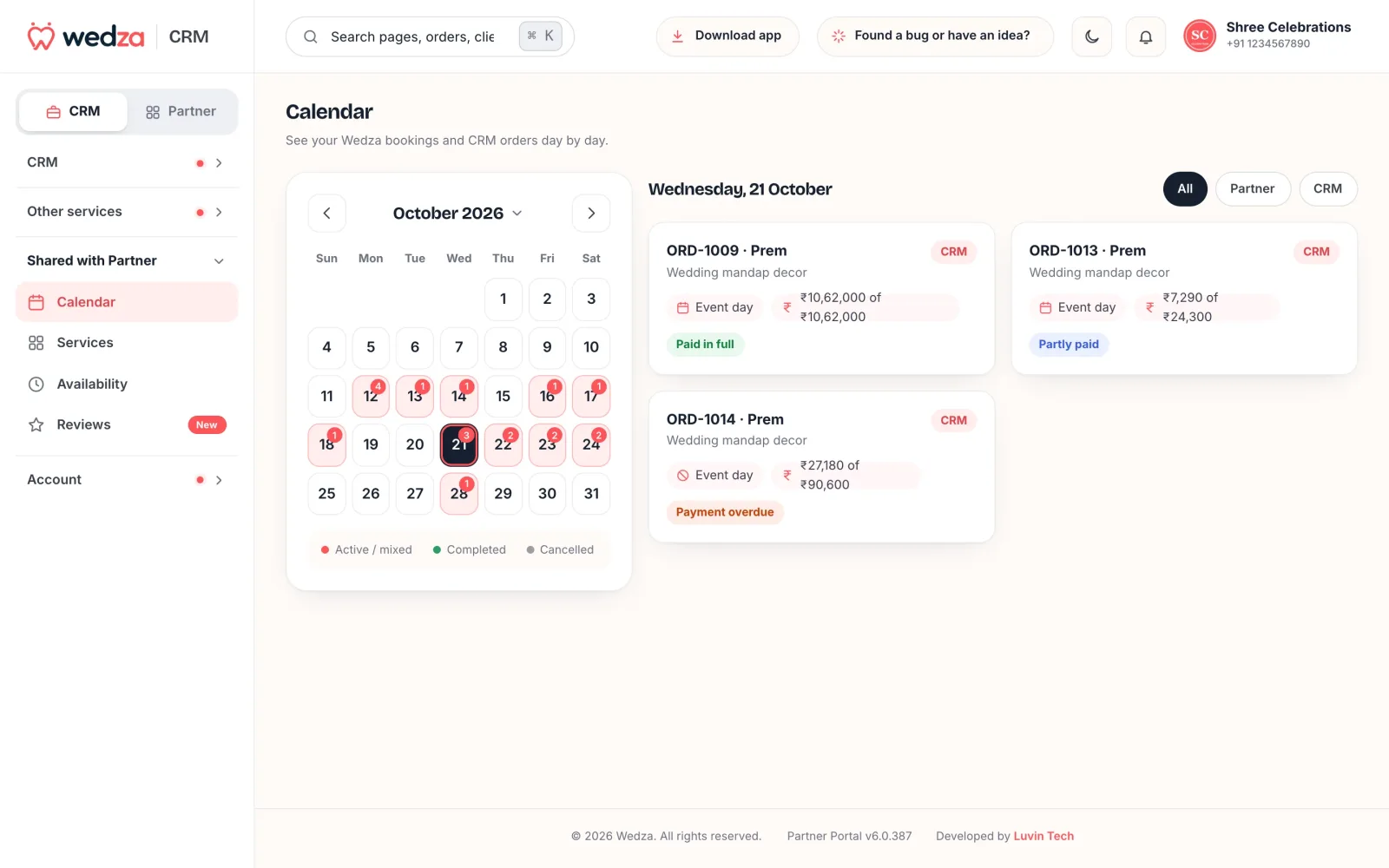
Put a crew on every function
- Roles: lead photographer, candid, traditional, video, drone, assistant.
- Call details: reporting time, place with a map link, the family contact for the day.
- Kit: who brings the drone, the gimbal, the backup cards.
- Reminder: the evening before, on their phone.
Pay the crew properly
Most studios use freelancers in season. Agree the fee per function before the shoot, record every payout with the date and mode, and give a payslip. It avoids end-of-season arguments and shows you the real cost of each wedding.
Doing it in Wedza CRM
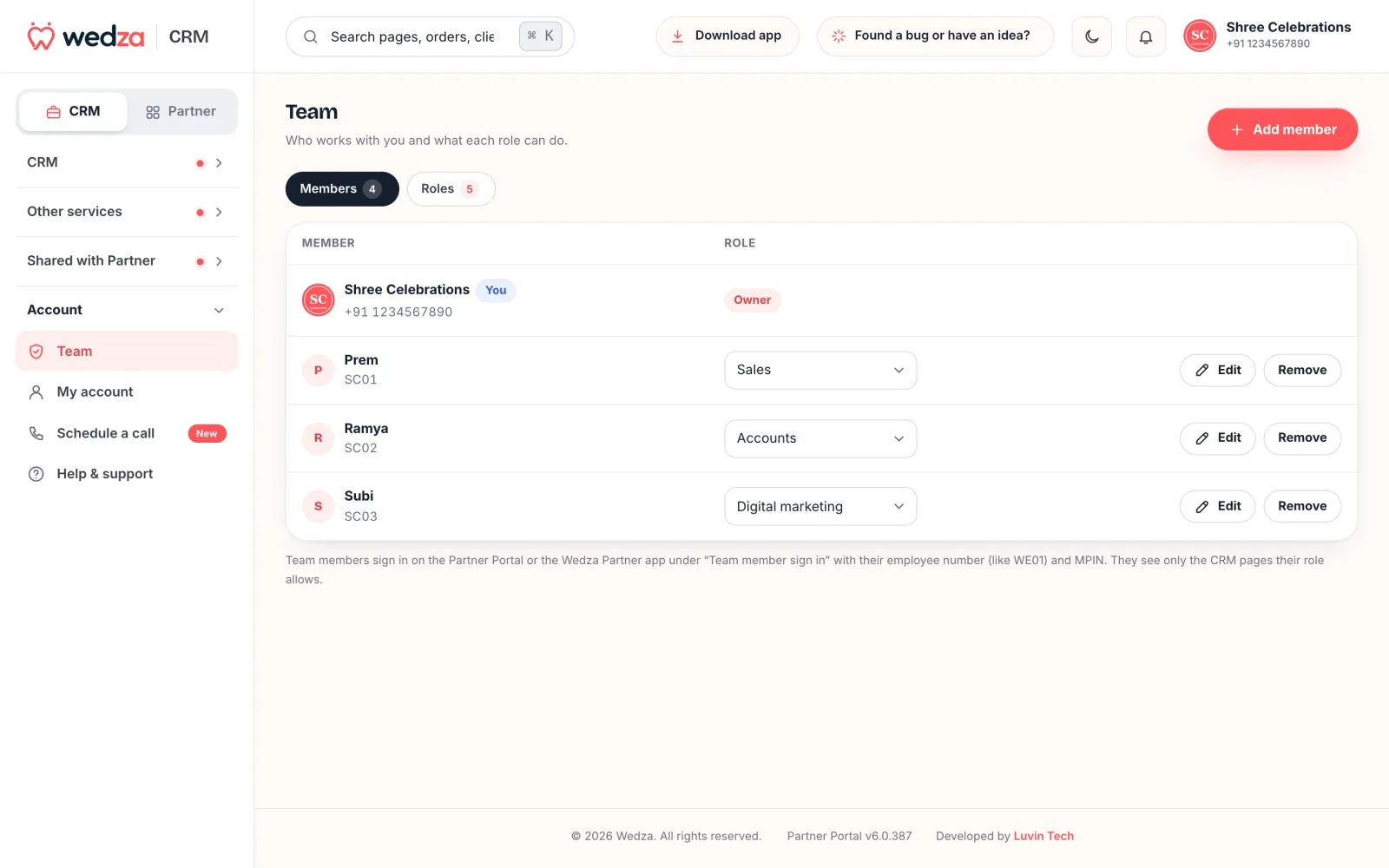
In Wedza CRM one order holds every function as an event day, and every day sits on one calendar with your Wedza app bookings. You put crew on each day with their role, place and contacts; crew members log in with the Crew role and see their own shoots and reminders on their phone. You set each person’s pay per event, record payouts by UPI, bank or cash, and download payslips. Planners and event companies can do the same with suppliers: wedding planner CRM.
Then add crew pay and travel to the order’s expenses to see what the wedding really earned: tracking event expenses and profit.
More about Wedza CRM: this guide covers one part. For everything Wedza CRM does, with real screens, prices and add-ons, see Wedza CRM features: everything it does.
Questions
How do I manage several functions for one wedding?
Keep them in one booking with each function as its own day: date, place, timings, coverage and crew. Then every function sits on your calendar and no date is promised twice.
How do I tell my crew where to be?
Give each crew member the function, date, reporting time, place and the client’s contact for that day, ideally on their phone a day before. In Wedza CRM crew members see their own shoots on the app and get reminders.
How should I pay freelance crew?
Agree a fee per function or per day before the season, record each payout with the date and mode (UPI, bank or cash), and give a payslip. Wedza CRM keeps the pay per event and makes the payslip.
Can crew members log in to Wedza CRM?
Yes. Add them with the Crew role. They log in with an employee number and MPIN on the app or the web and see only their own work.