
Caterers, decorators, event companies and photo studios all run on people: cooks and service boys, florists and setup hands, light and sound staff, second shooters. In season the same person may work three events in a week, and at the end of the month nobody is sure who worked where, what was promised and what is still to pay. Two simple papers fix most of this: a duty roster that says who goes where, and a salary slip that shows what each person earned and was paid. Here is a format for both, and how to make them from your bookings instead of by hand.
What should an event staff duty roster show?
Make the roster per event day, not per week. A wedding with a mehendi, a wedding and a reception is three days of work, often at different places and times. For each day, write down:
- the date, the event and the client,
- the place, with the contact person for that day,
- the start and end time, including events that run past midnight,
- who is going and in what role,
- a short note: uniform, what to bring, where to park.
Sample duty roster (names, places and times are examples):
| Date | Event | Place | Time | Name | Role | Note |
|---|---|---|---|---|---|---|
| 14 Feb | Mehendi, Priya and Arun | Bride’s home | 4:00 PM – 10:00 PM | Ravi | Supervisor | Collect keys from the family |
| 14 Feb | Mehendi, Priya and Arun | Bride’s home | 4:00 PM – 10:00 PM | Suresh | Service | White uniform |
| 15 Feb | Wedding, Priya and Arun | Lakeview Hall | 5:00 AM – 1:00 PM | Ravi | Supervisor | Setup done by 7 AM |
| 15 Feb | Wedding, Priya and Arun | Lakeview Hall | 5:00 AM – 1:00 PM | Meena | Decoration | Bring the backup flowers |
Send each person their own day the evening before. A roster that lives in one group chat gets lost under a hundred other messages.
What should a salary slip for event staff show?
A payslip ends arguments before they start. It does not need to be fancy, but it should be complete:
- your business name, the employee’s name, employee number and designation,
- pay type (per event or monthly salary) and the pay rate,
- the days and events they worked in that period,
- earnings and payments side by side, with each payment’s date and mode (UPI, bank or cash),
- gross, paid and balance to pay, with the amount in words,
- signature lines for you and the employee.
Sample payslip layout (figures are made up):
| Earnings | Amount | Payments | Amount |
|---|---|---|---|
| Mehendi, 14 Feb (1 day) | ₹1,200 | 16 Feb, UPI | ₹2,000 |
| Wedding, 15 Feb (1 day) | ₹1,500 | 28 Feb, cash | ₹1,000 |
| Reception, 15 Feb (1 day) | ₹1,200 | ||
| Gross | ₹3,900 | Paid | ₹3,000 |
| Balance to pay | ₹900 (Rupees nine hundred only) | ||
Above the table go the employee details (name, employee no., designation, pay type, pay rate, days and events worked); below it, the two signature lines.
Should I pay event staff per event or a monthly salary?
Most event businesses mix both: a few people on a fixed monthly salary, and many paid per event in season. Decide it for each person up front and write it on the payslip. For per event staff, agree the rate per event or per day before the season. For monthly staff, any extra event pay should show on the same month’s slip, so nothing is paid twice.
About attendance
For event work, the roster is the attendance record: if a person was on an event day, they worked it. Keep the roster up to date when someone swaps or drops out, and the days worked on the payslip stay right.
Making both from your bookings in Wedza CRM
A CRM (customer relationship management app) keeps your enquiries, bookings, payments and team in one place. In Wedza CRM the roster and the payslips come straight from your orders, so you don’t type them twice.
- Crew board as your duty roster. Each order’s event days have their own date, start and end time, place and contacts. Put your team, freelancers and suppliers on each day. Wedza warns you when someone is busy elsewhere that day.
- Each person gets their day. Send it on WhatsApp, with the time, or let them log in with the Crew role: they see only their own events, with no prices, a note from you for each day, and event reminders.
- A crew manager can plan it for you. The Crew manager role puts orders on the Crew board, adds crew and chooses who goes, and never sees prices, payments or crew pay.
- Pay per event or monthly. In Team, set Per event or Monthly salary with the amount. Per event pay is recorded on each order as paid, part paid or pending; monthly salary payments go in an expense group such as Employee Salary.
- Payslips in one click. Download a payslip for each payment or for the month, with the details listed above. Every team member can open Salary to see paid and pending by month and year, and download their own.
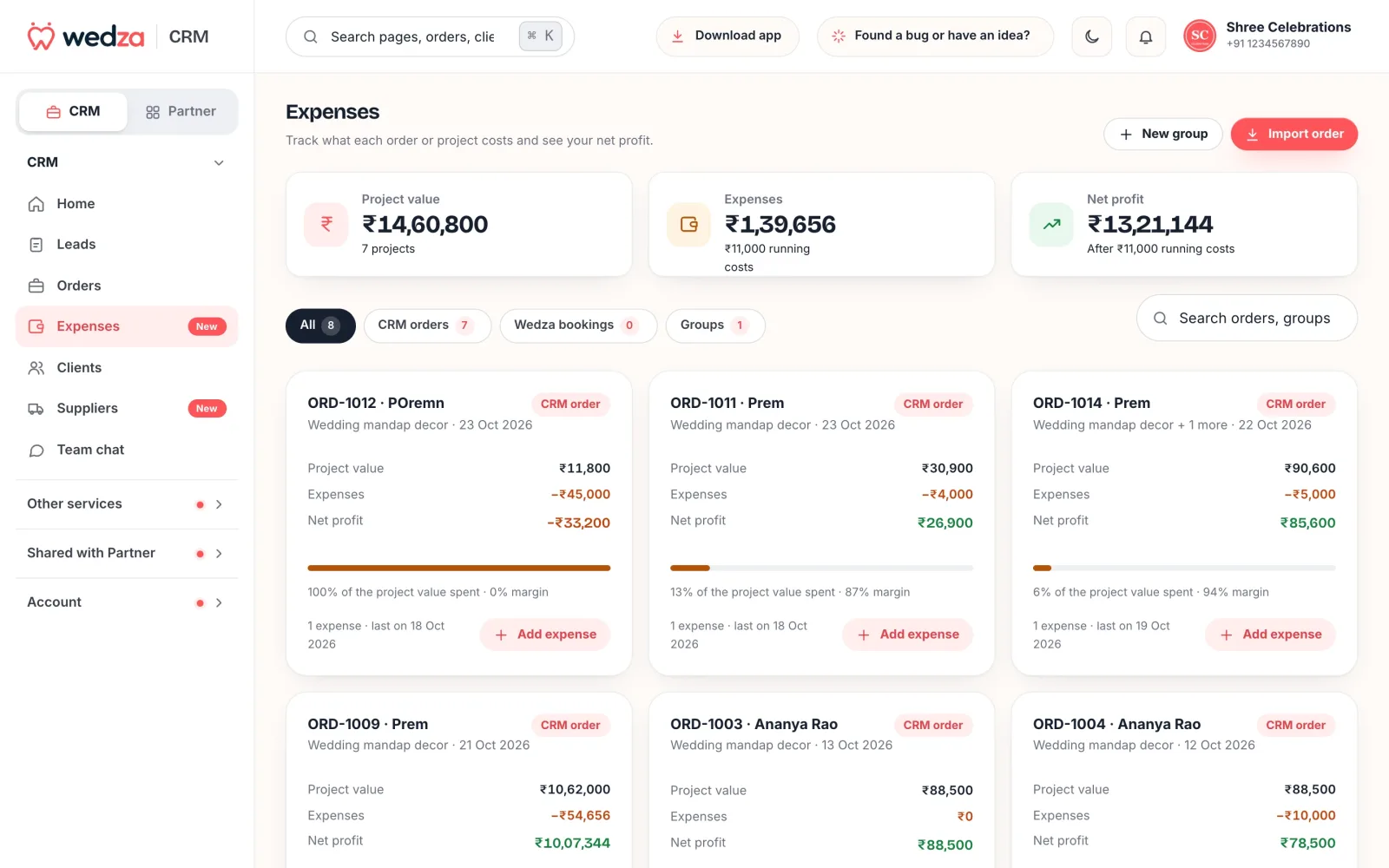
Crew pay also counts in each order’s costs, so you see the real profit of every event: tracking event expenses and profit. Photographers can read managing wedding functions and crew and post production with Deliverables.
What it costs
The Crew board, Salary and payslips are part of Wedza CRM: ₹199 for 30 days with every feature and no limit on team members or crew. Owner, Sales and Accounts roles are free; Crew, Crew manager and other roles are ₹99 a year each. New partners get a 3-day free trial. See Wedza pricing.
More about Wedza CRM: this guide covers one part. For everything Wedza CRM does, with real screens, prices and add-ons, see Wedza CRM features: everything it does.
Questions
What should a salary slip for event staff show?
Business name, employee name and number, designation, pay type (per event or monthly), pay rate, the days and events worked, earnings, each payment with its date and mode, gross, paid and balance to pay, the amount in words and signature lines.
What should an event staff duty roster show?
For each event day: the date, the event and client, the place, the start and end time, who is going and in what role, and a short note such as what to bring. Send each person their own day the evening before.
Is there an app for event crew schedules?
Yes. In Wedza CRM you put your team and freelancers on each event day on the Crew board. Crew members with a login see only their own events, with no prices, and get event reminders. Others can get their day on WhatsApp.
Can I pay some staff per event and others a monthly salary?
Yes. For each team member you pick Per event or Monthly salary with the amount. Per event pay is recorded on each order; monthly salary payments are recorded in an expense group such as Employee Salary.
Can my staff download their own payslip?
Yes. Team members open Salary to see what is paid and pending, month by month, and download a payslip for each payment or for the whole month. You can download them from Expenses too.
Does Wedza CRM track staff attendance?
There is no separate punch-in attendance. The days and events each person worked come from the event days you put them on, and they show on their payslip.
How much does it cost?
The Crew board, Salary and payslips are part of Wedza CRM, ₹199 for 30 days with no limit on team members or crew. Owner, Sales and Accounts roles are free; other roles, such as Crew or Crew manager, are ₹99 a year each. New partners get a 3-day free trial.